WindMaster and WindMaster Pro 1561-PS-0001. Issue 11 February 2017
________________________________________________________________________________________________________________________
39
Polled Mode Notes General
The unit must be set for a polled Mode (M3 or M4).
When in the Polled mode, an output is only generated when the host system sends a Poll signal to the WindMaster
consisting of the WindMaster Unit Identifier – that is, the relevant letter A – Z.
The default setting is ‘Q’.
It is recommended that letters A to F, K, M, N, and P are not used since they can appear in a WindMaster data string
and might result in erroneous poll responses.
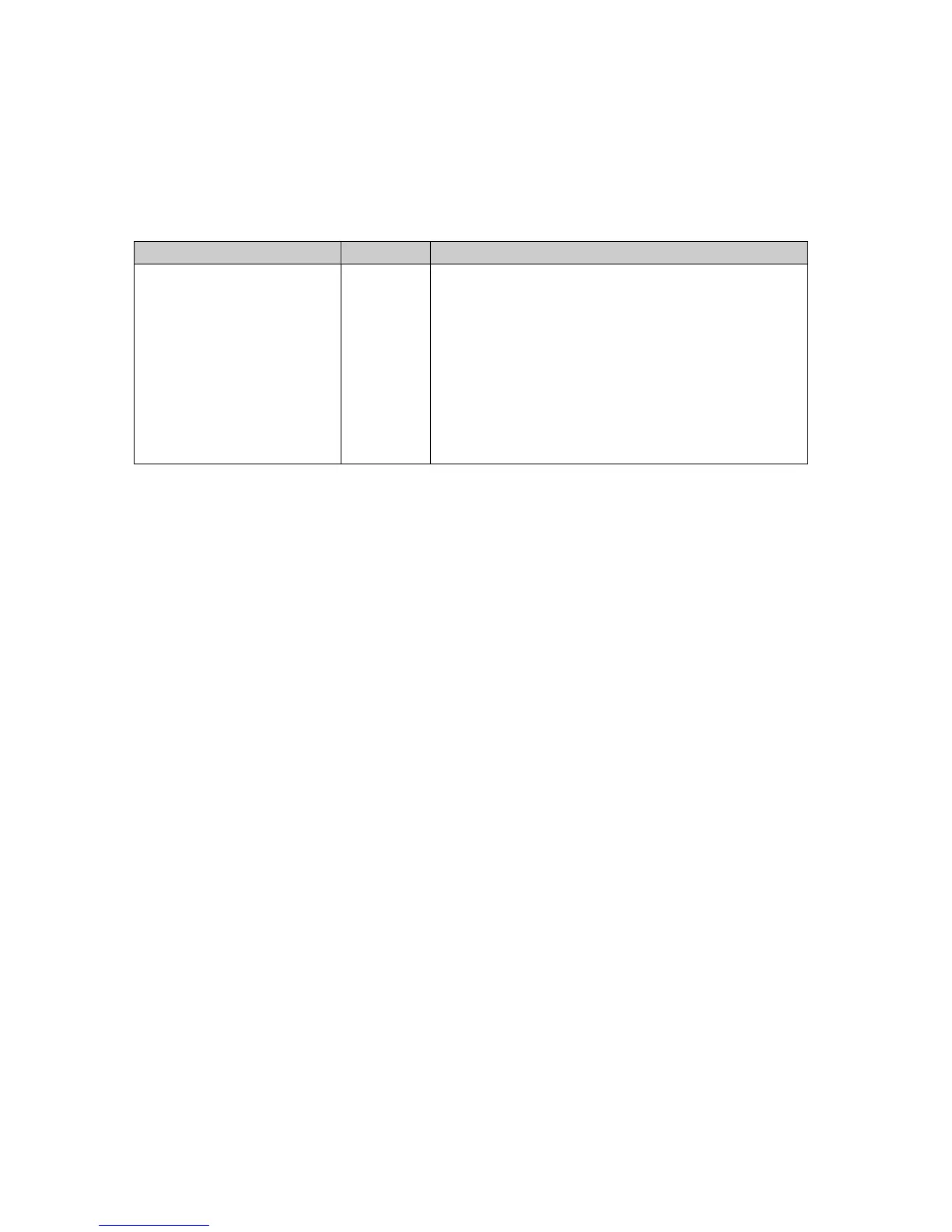
The commands available in Polled Mode are:
triggered/synchronised to the poll command.
* Where <N> is the Unit Identifier.
It is suggested that in polled mode the following sequence is used for every poll for information.
? Ensures that the Sensor is enabled to cover the event that a power down has occurred.
A-Z Appropriate unit designator sent to retrieve a line of data.
! Sent to disable poll mode and reduce possibility of erroneous poll generation.
If the unit is powered down after use or upon switch on then allow 5 seconds from switch on before sending poll
commands.
When in polled mode the unit will respond to a poll data command within 30mS of receiving the command.
Maximum poll rate for all modes is 20Hz.
Syncpoll 0 Mode Notes (Default)
Default Syncpoll 0 is set up as follows: -
Open Wind Software.
Type * or *<N> (if already in a polled mode) to enter CONFIGURATION MODE.
Type Syncpoll 0 and press Enter (note there is a space between Syncpoll and 0).
Type Q and press Enter to go to SyncPoll 0 measurement mode.
To check the current syncpoll setting when in configuration mode type Syncpoll and press return. The unit will respond
with 1 or 0.
Ultrasonic firings take place in the background.
Receipt of a poll command will trigger an asynchronous Wind measurement output resultant from the previous
measurements.
The maximum Poll command rate is 20Hz for a single unit connected point to point.
RS485 Networking Examples.
Use of a PC with integrated RS485 PCI Card
In tests four WM/WMP were connected to a PC PCI card and using a single RS485 2-wire port. 1Hz and 5Hz data was
collected from each sensor and the sensors were set at 57600 baud. Tests were also carried out at 10Hz where a small
amount of data loss was observed, leading to 99% of data being collected.
Use of a Data Logger
Tests have shown that at least five WindMasters or WindMaster Pros can work with a datalogger using a single RS485
2-wire port allowing 1Hz data collection from each sensor. The Wind sensors were set to 38400 baud, contact Gill
Instruments for further details if required.
NB: some converters can cause data loss. Where possible, connect directly to an RS485 port.


 To Next Page
 Loading...