Connect to the Internet
2.1 Connect to the Internet via an ethernet cable
To access the Internet, it can connect the WAN port of router to the
modem or the LAN port of other router via an ethernet cable.
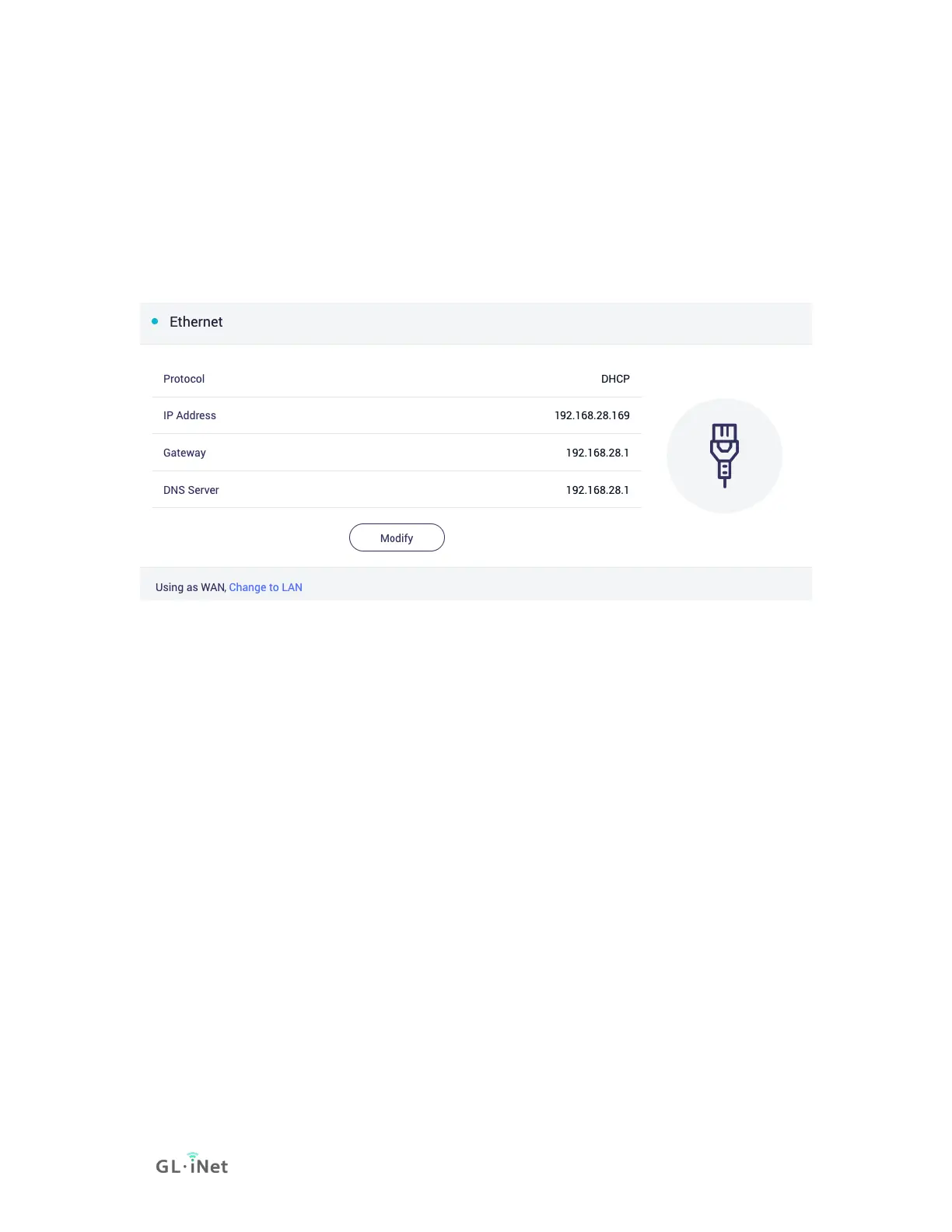
On the left side of web Admin Panel -> INTERNET, Ethernet sector.
Note: Before plugging the Ethernet cable into the WAN port of the router,
you can click Change to LAN to set the WAN port as a LAN port. That is
useful when you are using the router as a repeater. As a result, you can
have one more LAN port.
Protocol
There are 3 types of protocols, DHCP, Static, PPPoE. Click Modify to
change.
• DHCP
DHCP is the default and most common protocol. It is a network
management protocol used on Internet Protocol (IP) networks
for automatically assigning IP addresses and other
communication parameters to devices connected to the network
using a client–server architecture.
• Static
Static is required if your Internet Service Provider (ISP) has
provided a fixed IP address for you or you want to configure the


 To Next Page
 Loading...