1. PROCEDURE TO FOLLOW TO CHANGE THE BATTERY
Tools : Screw Driver ►
Gorgy Timing reference : BAT1728S ►
Life period : 5 years ►
BATTERY CHECKING
Connect the product to the 230VAC during one hour. ►
Remove the power supply. ►
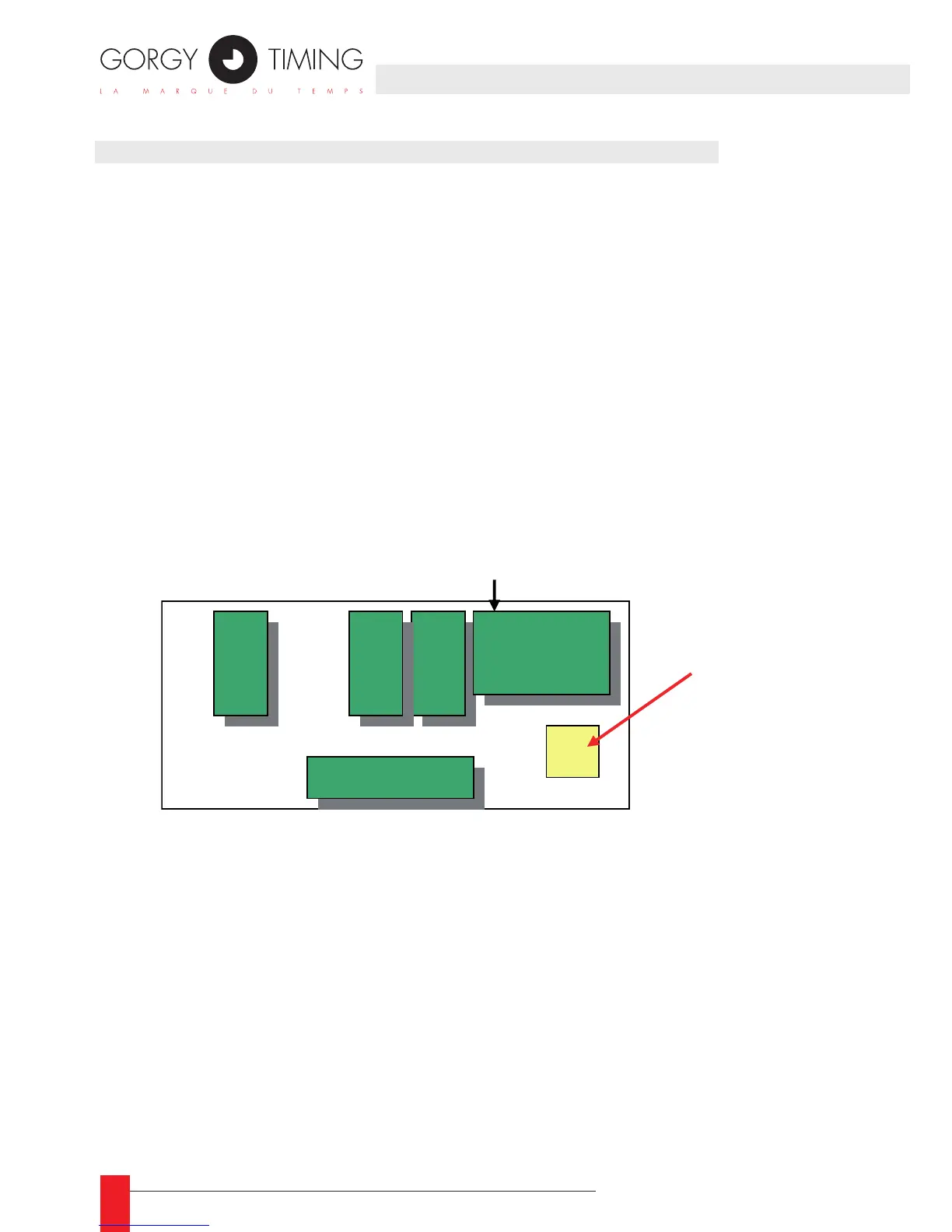
Open the product with the screw driver, the battery is located between the power ►
supply card and the display card
Disconnect the old battery with the screw driver. ►
Check the voltage, if the voltage is ► less than 7V, the battery is on failure.
Connect the new battery with the screw driver. ►
APPENDIX D – MAINTENANCE



 To Next Page