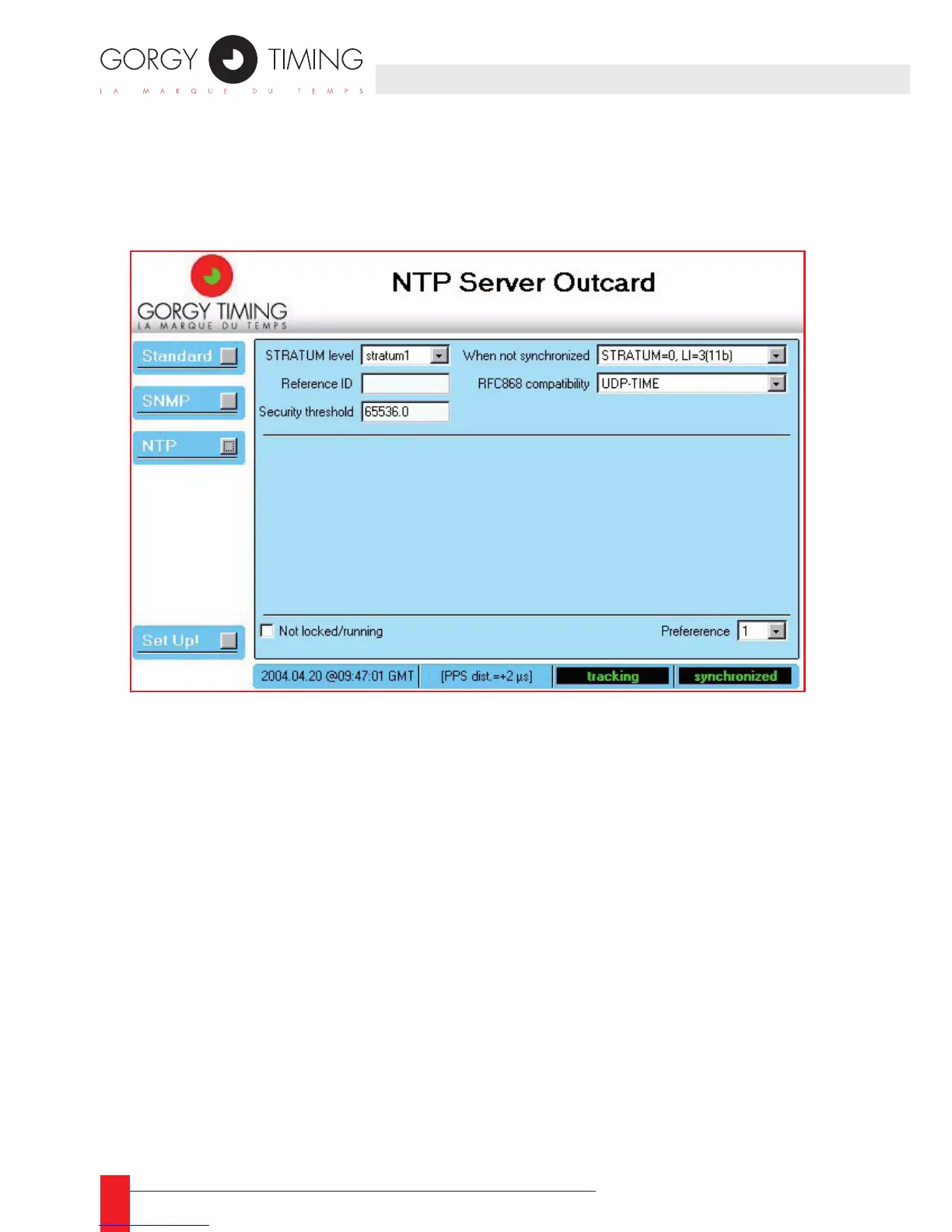
4.3.2 NTP setup
When you click the NTP button, the conguration of the NTP server software of the
output card is displayed as shown below:
Description
Here is the short description of the different elds:
STRATUM level ►
the stratum value to be stored in the NTP messages sends to the NTP clients.
Reference ID ►
A 4 letters identier that gives information about the time reference. This value is put
in the appropriate eld in the NTP frame
Security threshold ►
Give the maximum allowed phase difference (in seconds) before locking the NTP
server software. This eld is initialized to 65536.0
4. WEB INTERFACE



 To Next Page