3.2. Reloading Firmware
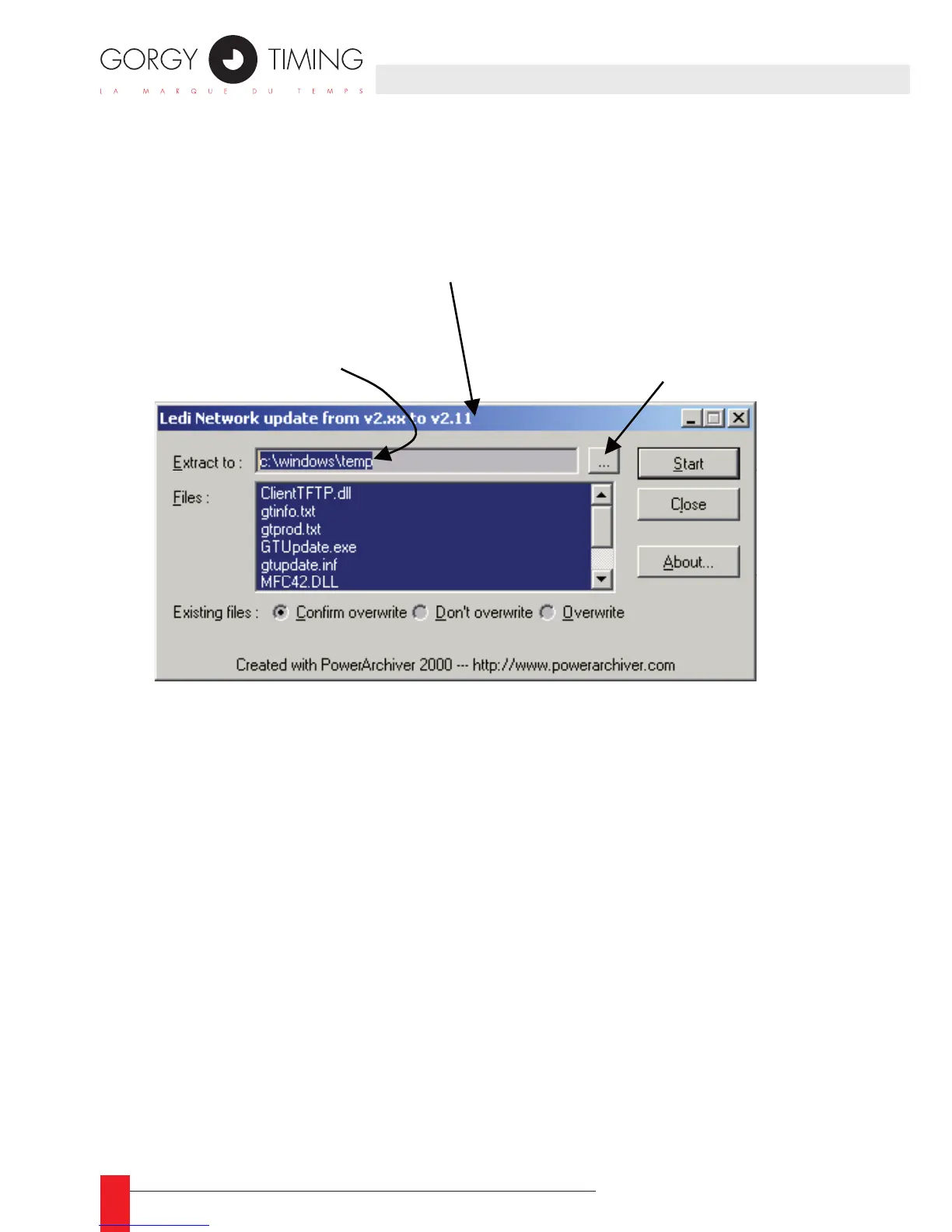
Download the update executable and run it from your computer or execute it directly
from the WEB site. The following window appears at the screen :
Click on the ► Start button to extract all the les needed for the update. When the
extraction is terminated, the tool GTNetMng is automatically started.
When all the les have been extracted correctly, the tool start ☛
automatically.
APPENDIX D – MAINTENANCE
To change the directory used to store
temporary file, click on this button



 To Next Page