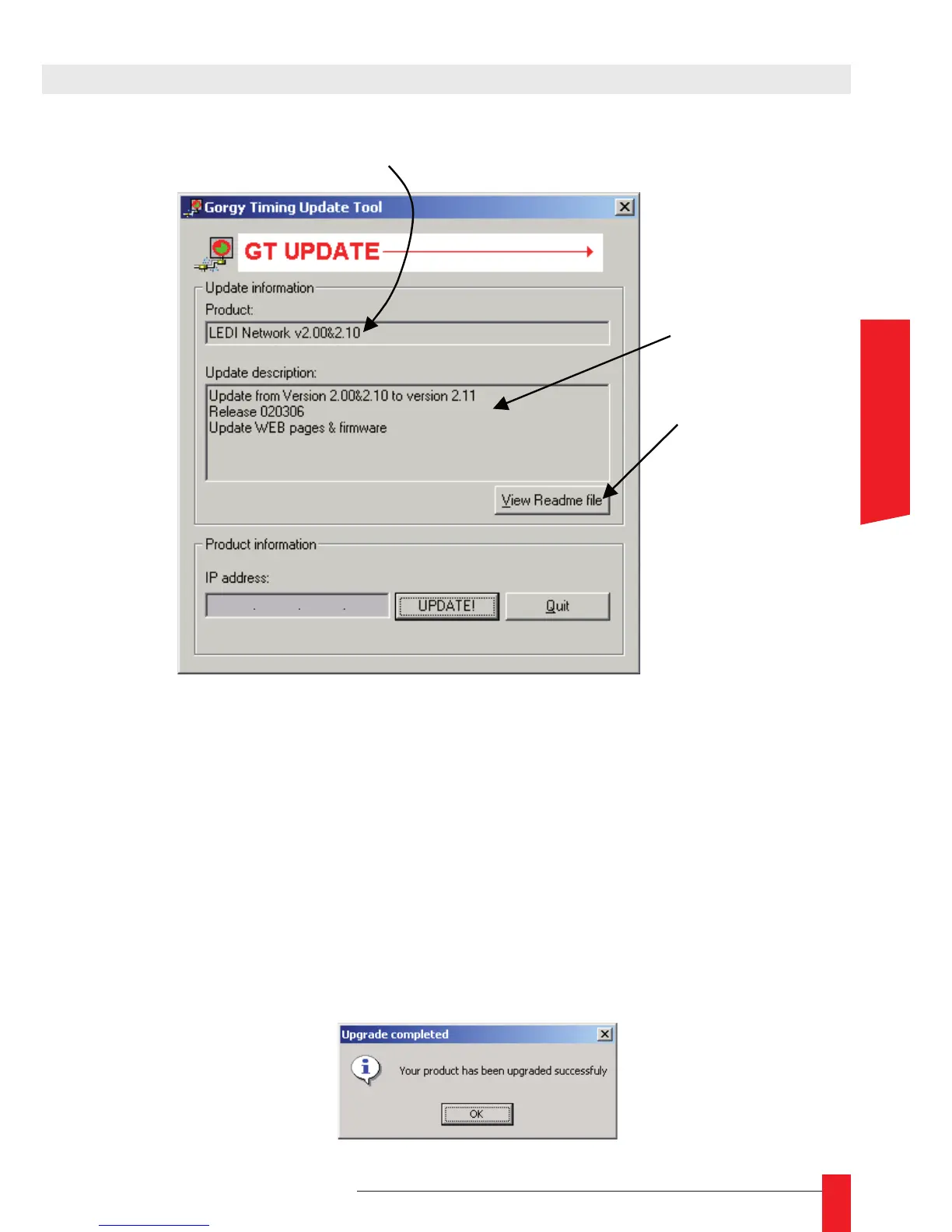
To really start the update, enter the IP address of the product in the eld IP address and
click on the UPDATE ! button. The update process start immediately.
When a problem occurs, an error message is displayed. Check the following points:
The product to update must be accessible through your network from the PC used ►
to run GTUpdate
check that the IP address is valid, compatible with those of your PC and that it’s ►
really the address of a Gorgy Timing product
Check that the product to update is powered. ►
When everything is OK, the following panel is displayed : ☛



 To Next Page