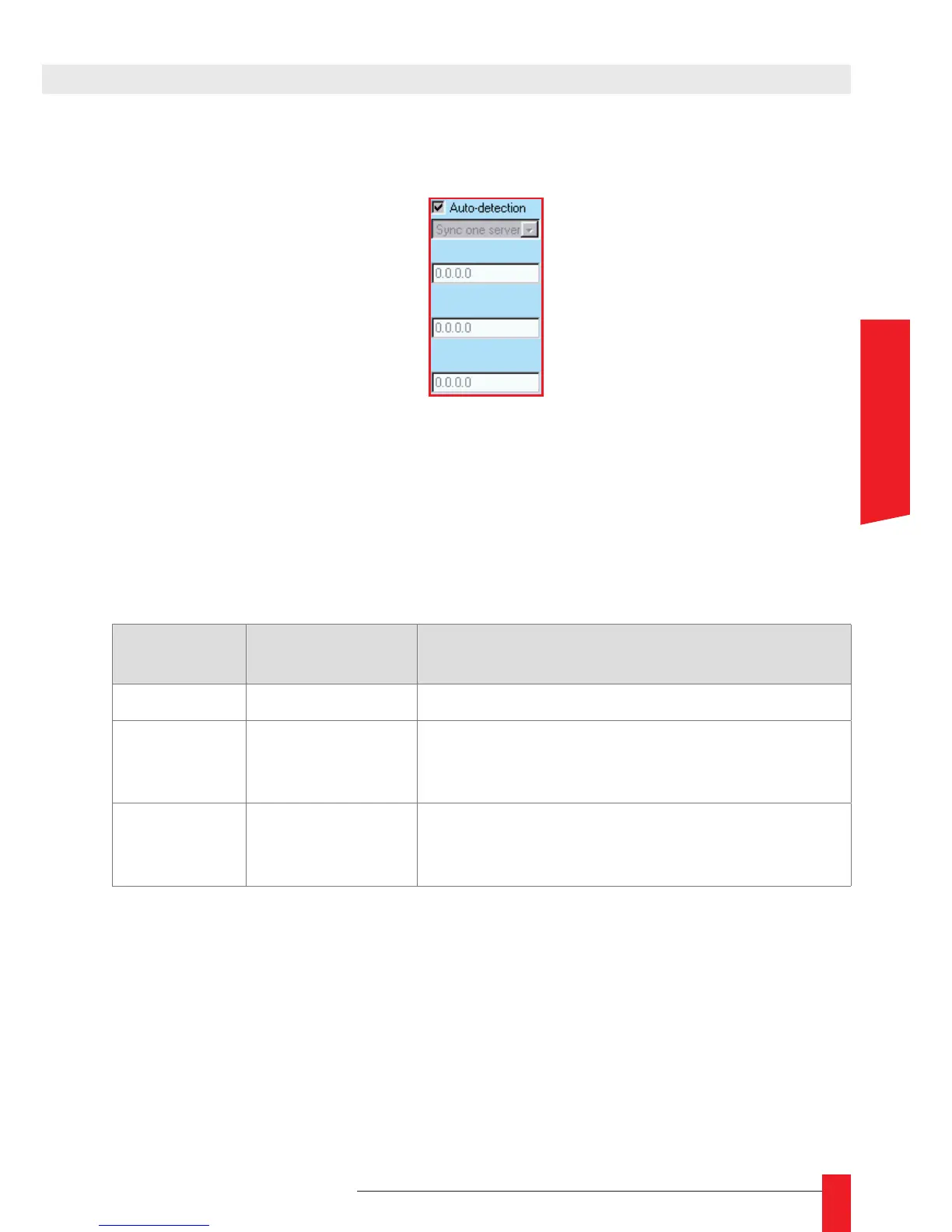
The left part of the NTP screen allows you to congure the synchronization mode and
the NTP servers used:
If you select the checkbox Auto-detection, the LEDI Network IN try to use the GT NTP
servers present on your network and use the more appropriate synchronization mode.
If you don’t select the checkbox Auto-detection, you have to indicate the synchroniza-
tion mode and the NTP servers to use.
The following table can help you to select the more appropriate parameters:
Mode
# of NTP servers
used
Description
One server 1 Use only one server for synchronization
Two servers 2
Use the rst server at startup. If this server fails,
commute to the second server. If this server fails,
commute to the rst one and so on…
Three servers 3
Use the rst server at startup. If this server fails,
commute to the second server. If this server fails,
commute to the third one and so on…
4. WEB INTERFACE



 To Next Page