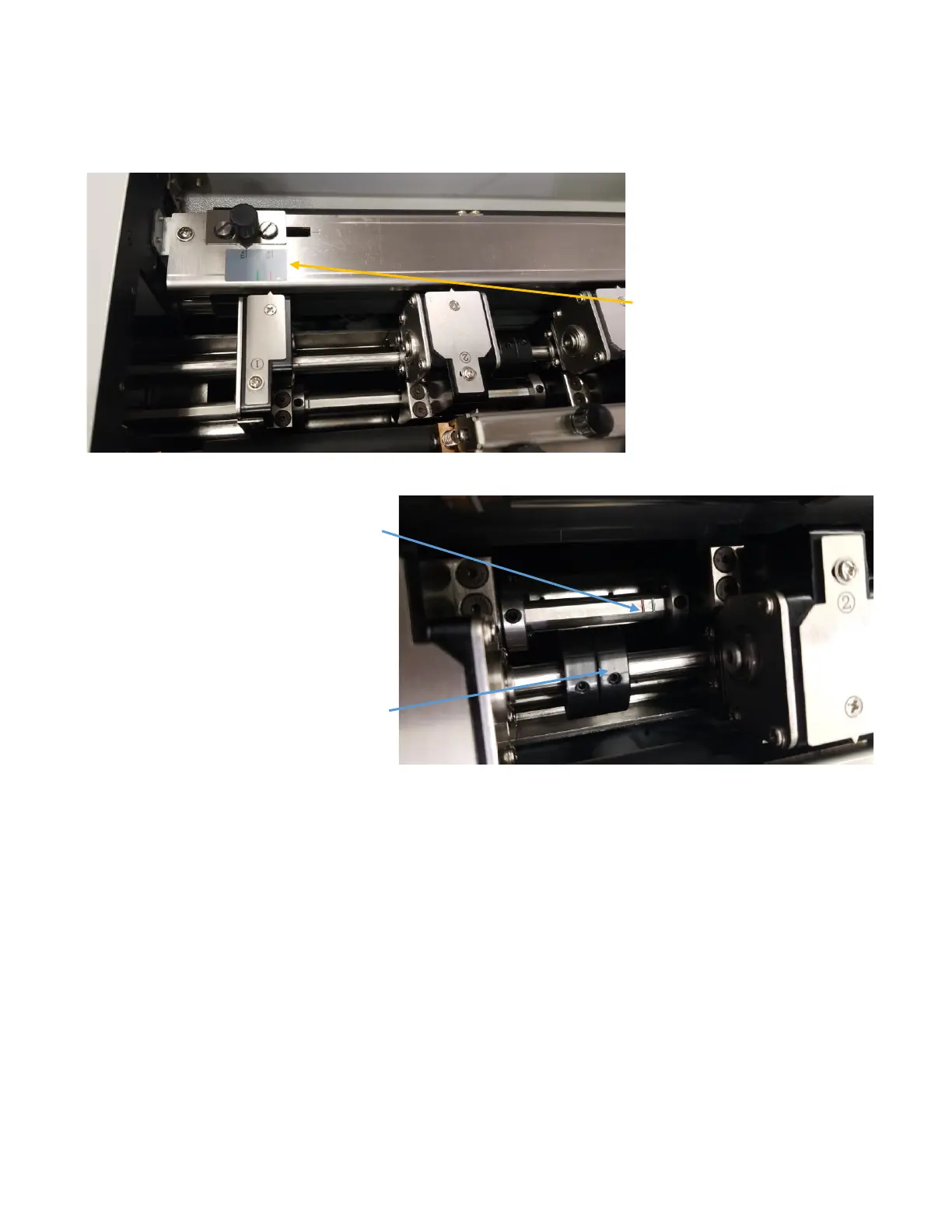
To make switching
between standard sized
jobs easier, the PT
331SCC is equipped with a
slitter placement gauge.
As a starting reference
the gauge is marked with
two standard widths: 3.5
(business cards, etc.) and
5.5 (greeting cards).
However, the arrow will
move if the side-shift
knob is used.
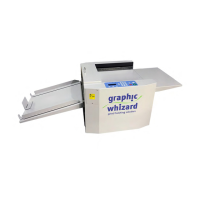
Set the slitters in the positions marked on
the gauge that match the desired job. Line
up the slitters with the notched positions
on the slitter shaft.
Slitters set to the red line will produce 3.5”
wide cards.
Slitters set to the green line will produce
5.5” wide cards.
Using the provided hex tool, secure the
position by moving the collars against the
slitters and tighten the set screws to lock
the slitters in place.


 To Next Page