18
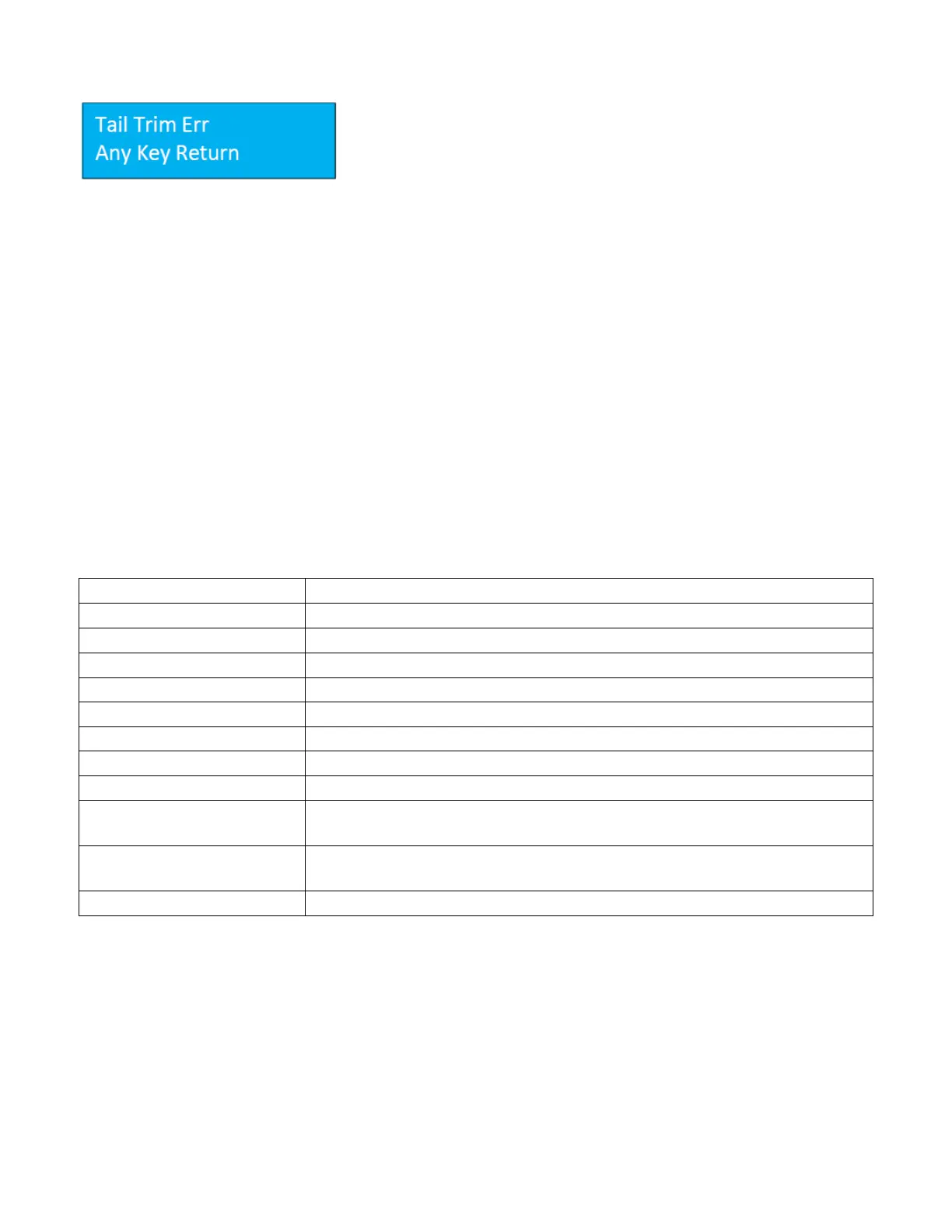
Tail Trim Error
A tail trim error occurs when the values entered do not fit the sheet length
and the tail trim is out of machine spec. The last cut range is 0.197” ~
0.591”. If the last cut is out of range, the SCC will display the tail trim error.
Ensure the sheet length, card length, and trim lengths are correct and try
programming the job again.
5.3.5 Job Layout Creation
Registration mark
The 331 SCC is designed to center register.
• When creating a print layout with a registration mark, ensure the mark is 5.484” from the center
of the sheet.
• The registration mark should be larger than 0.118” x 0.472” (3x12mm).
• Set the registration mark between 0.118” - 0.59” (3-15mm) from the leading edge.
• Do not have any colors above this mark or the reader may fail to correctly read the registration
mark.
5.3.6 Parameters
Note: The sample jobs to follow are based on 12” x 18” sheet size. For 13” x 19” sheets, adjust the lead cut and side
slit accordingly to keep the same layout, keeping within the parameters defined above.


 To Next Page