Setting up The Cutter Plotter
2-5
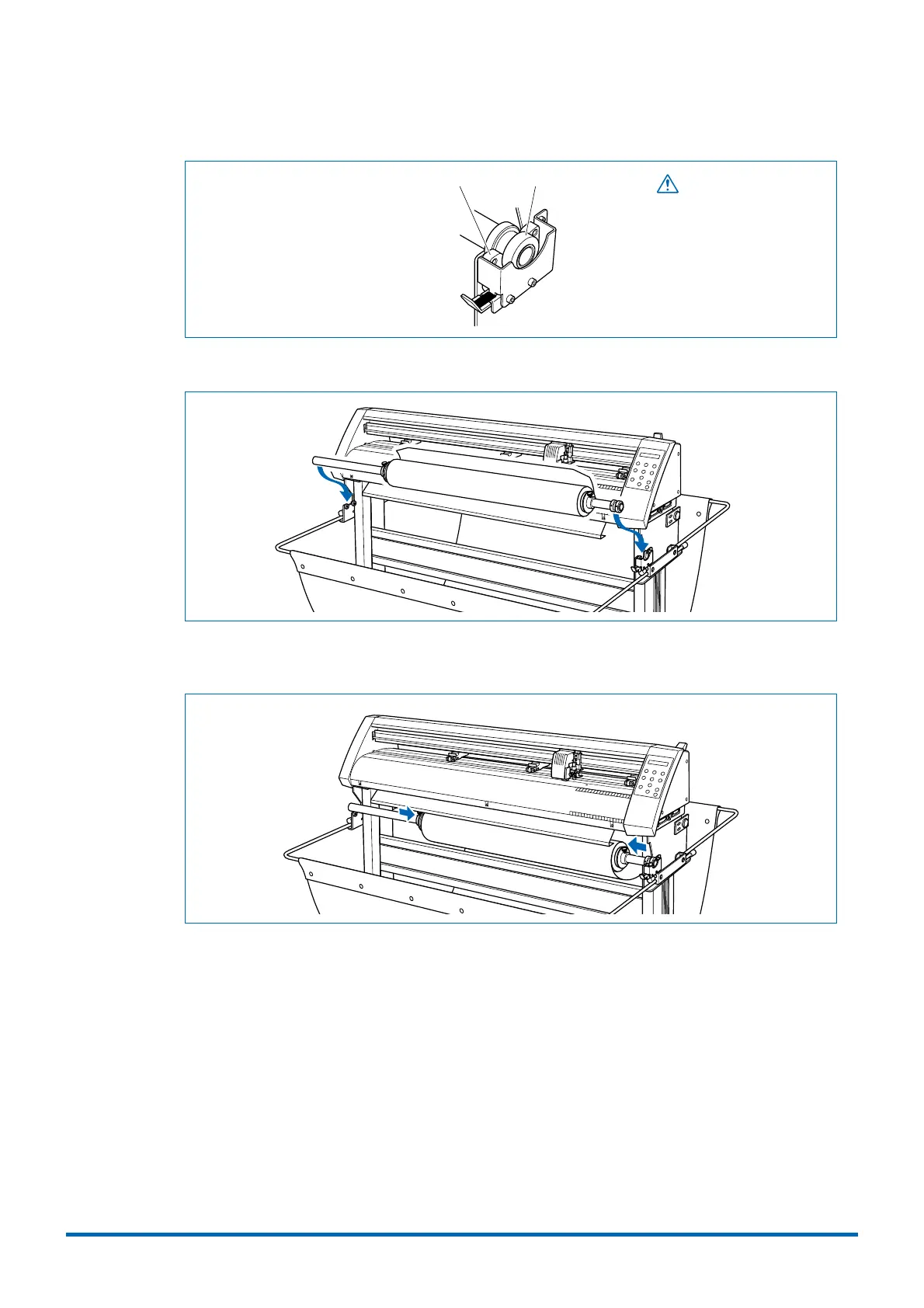
Align the collar with the shaft holder.
CollarShaft holder
CAUTION
While cutting or plotting is in
progress, please keep your
hands, hair, etc., away from
the shaft holder and the collar.
Mount the stock shaft at the front of the cutting plotter.
(3) If you have not already done so, align the stoppers with the left and right edges of the roll
medium and then tighten the stopper screws.











 To Next Page