2-6
Setting up The Cutter Plotter
Loading the Roll Medium
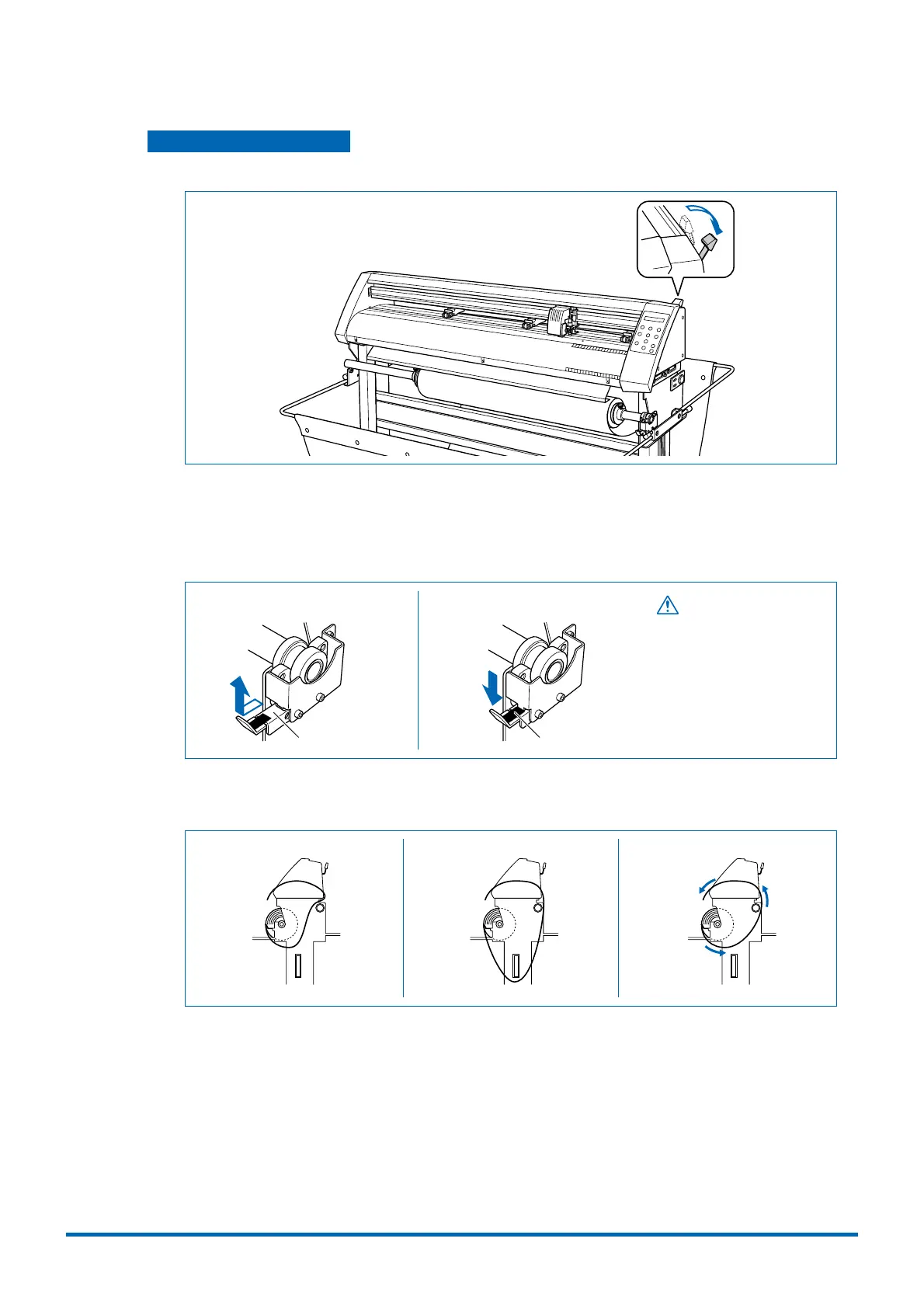
(1) Lower the media set lever to raise the push rollers.
(2) Move the stock shaft stopper to the FREE position.
FREE position:
This is the status when the lever has been pushed down and engaged, and the silver-
colored section is hidden. The stock shaft rotates in the FREE status.
LOCK FREE
CAUTION
While cutting or plotting is in
progress, please keep your
hands, hair, etc., away from
the shaft holder and the collar.
Silver-colored section Black sticker
(3) Pass the medium's leading edge over the center bar and around the outside of the alignment
shaft.
Incorrect Incorrect Correct











 To Next Page