EasyManua.ls Logo

Grizzly G0452 - User Manual

Grizzly G0452
64 pages
Print Icon
To Next Page IconTo Next Page
Loading...
COPYRIGHT © JUNE, 2005 BY GRIZZLY INDUSTRIAL, INC. REVISED DECEMBER, 2017 (HE)
WARNING: NO PORTION OF THIS MANUAL MAY BE REPRODUCED IN ANY SHAPE
OR FORM WITHOUT THE WRITTEN APPROVAL OF GRIZZLY INDUSTRIAL, INC.
#PC7250 PRINTED IN CHINA
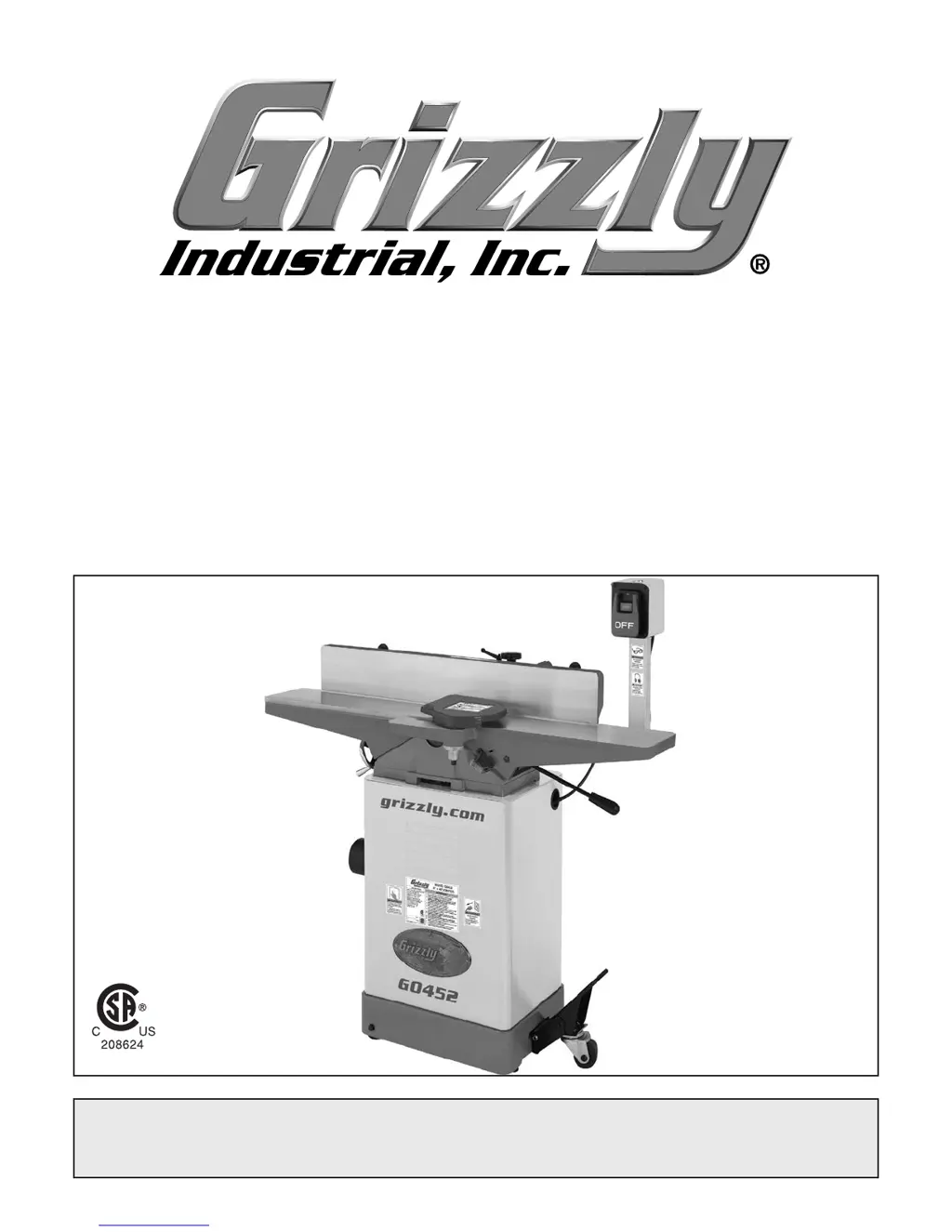
MODEL G0452 Series
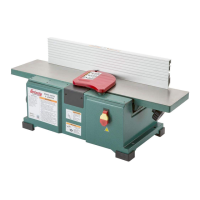
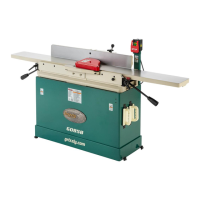
6" x 46" MOBILE JOINTER
OWNER'S MANUAL
(Models G0452, G0452P, G0452Z)
(For models manufactured since 08/12)

Table of Contents

Other manuals for Grizzly G0452

Questions and Answers

  • F
    Frances AnthonySep 4, 2025
    Why is my Grizzly Power Tool leaving uneven marks on the wood?
    • P
      Paul PhillipsSep 4, 2025
      If your Grizzly Power Tool is producing uneven cutter marks, a wavy surface, or chatter marks across the face of the board, it could be because you're feeding the workpiece too fast, so slow down the feed rate. Another reason could be that the knives are not adjusted at even heights in the cutterhead, so adjust the knives so they are set up evenly in the cutterhead.
  • K
    kcrawfordSep 18, 2025
    Why does my Grizzly Power Tool stop in the middle of a cut?
    • S
      Sharon RobinsonSep 18, 2025
      If the workpiece stops in the middle of a cut with your Grizzly Power Tool, it is likely that the outfeed table is set too high. To correct this, align the outfeed table with the cutterhead knife at top dead center.
  • B
    Brandon HuffSep 16, 2025
    What causes snipe when using my Grizzly Power Tool?
    • C
      Charlene WebbSep 16, 2025
      If you are experiencing excessive snipe (a gouge in the end of the board that is uneven with the rest of the cut) when using your Grizzly Power Tool, it could be because the outfeed table is set too low, so align the outfeed table with the cutterhead knife at top dead center. Another cause could be the operator pushing down on the end of the workpiece, so reduce or eliminate downward pressure on that end of the workpiece.
  • D
    Daniel GraySep 14, 2025
    Why is the board edge concave after using my Grizzly Power Tool?
    • L
      Lisa MitchellSep 14, 2025
      If the board edge is concave or convex after jointing with your Grizzly Power Tool, ensure the board is held with even pressure on the infeed and outfeed table during the cut. If the board started too uneven, take partial cuts to remove the extreme high spots before doing a full pass. For boards with excessive bow or twist, surface plane one face to create a good surface against the fence. Finally, ensure you are making a sufficient number of passes, as it may take 3 to 5 passes to achieve a perfect edge, depending on the starting condition of the board and the depth of cut.
  • D
    Desiree HayesSep 13, 2025
    Why is there excessive play in my Grizzly Power Tool table movement?
    • C
      Crystal FischerSep 13, 2025
      If you notice excessive play in the table movement of your Grizzly Power Tool, it is likely that the table gibs are too loose. To fix this, re-adjust the table gibs.
  • J
    Jonathan JohnsonSep 12, 2025
    What causes an uneven cut when rabbeting with my Grizzly Power Tool?
    • C
      Chelsea HooverSep 12, 2025
      If you are getting an uneven cut or breakout when rabbeting with your Grizzly Power Tool, it could be due to an uneven feed rate, so feed the board evenly and smoothly during the cut. Also, the depth of cut might be too deep, so raise the infeed table to take a smaller depth of cut, never exceeding 1/16" per pass when rabbeting. Knives not adjusted evenly in the cutterhead, or nicked/chipped knives, can also cause this issue, so adjust or replace the knives as needed.
  • S
    Sarah CruzSep 9, 2025
    Why are the tables on my Grizzly Power Tool hard to adjust?
    • N
      nancy04Sep 9, 2025
      If you find that the tables on your Grizzly Power Tool are hard to adjust, it might be because the table lock is engaged or partially engaged. Make sure to completely loosen the table lock. Also, the table gibs might be too tight, so try re-adjusting the table gibs.
  • P
    pphelpsSep 7, 2025
    Why is my Grizzly Power Tool vibrating?
    • M
      Monica BradleySep 7, 2025
      If you are experiencing vibration when running or cutting with your Grizzly Power Tool, it could be due to a loose or damaged blade, so tighten or replace the blade. A damaged V-belt could also cause vibration, so replace it. Additionally, worn cutterhead bearings can lead to vibration, so check and replace the cutterhead bearings if necessary.
  • A
    Adam HendersonSep 5, 2025
    What causes a loud noise from my Grizzly Power Tool?
    • M
      Michael PriceSep 5, 2025
      If your Grizzly Power Tool is producing a loud, repetitious noise, inspect the keys and setscrews on the pulleys and replace or tighten them if necessary. Another potential cause is the motor fan hitting the cover, which can be resolved by adjusting the fan cover mounting position, tightening the fan, or shimming the fan cover. Damaged V-belts can also cause this noise, so replace the V-belts.
  • J
    Jennifer DukeAug 20, 2025
    What to do if my Grizzly Power Tool motor stalls during a cut?
    • H
      Holly OrtizAug 21, 2025
      If your Grizzly Power Tool motor stalls or shuts off during a cut, it could be due to several reasons. The motor might be overloaded, so try reducing the load by taking lighter cuts. There could be a short circuit in the motor or loose connections; in this case, repair or replace the connections, looking for loose or shorted terminals or worn insulation. Lastly, the circuit breaker may have tripped, so install the correct circuit breaker and reduce the number of machines running on that circuit.

Summary

SECTION 1: SAFETY

Safety Instructions for Machinery

General safety guidelines for operating woodworking machinery.

Additional Safety for Jointers

Specific safety precautions related to jointer operations.

SECTION 2: POWER SUPPLY

Grounding Requirements

Essential grounding procedures to prevent electric shock.

120 V Circuit Requirements

Specific circuit needs for 120V operation, including plug types.

240 V Circuit Requirements

Specific circuit needs for 240V operation, including plug types.

SECTION 3: SETUP

Setting Outfeed Table Height

How to adjust the outfeed table to align with knives.

Outfeed Table Height for G0452 Z

Specific instructions for setting outfeed table height on the G0452Z model.

Test Run

Procedure for performing an initial test run of the machine.

Recommended Adjustments

Factory adjustments to verify for optimal performance.

SECTION 4: OPERATIONS

Infeed Table Adjustment

How to properly adjust the infeed table depth.

Stock Inspection and Requirements

Guidelines for selecting and preparing wood for jointing.

Squaring Stock

Four-step process for squaring woodworking stock.

Surface Planing

Method for creating a flat face on a workpiece.

Edge Jointing

Process for creating a finished, flat edge on stock.

Bevel Cutting

How to cut a specific angle into the edge of a workpiece.

Rabbet Cutting

Method for removing a section from the edge of a workpiece.

SECTION 6: MAINTENANCE

SECTION 7: SERVICE

Troubleshooting

Common problems and their solutions for motor and machine operation.

Table Adjustment Troubleshooting

Solutions for issues with table adjustment and play.

Cutting Troubleshooting

Solutions for common cutting problems like snipe and chipping.

Inspecting Knives

How to check the proper setting of jointer knives.

Calibrating Depth Scale

How to calibrate the depth scale on the infeed table.

Setting Fence Stops

Instructions for adjusting the fence stops for various angles.

SECTION 8: WIRING

Wiring Safety Instructions

Critical safety precautions for working with electrical wiring.

Wiring Diagram

Electrical schematic for the jointer's motor and switch.

Grizzly G0452 Specifications

General IconGeneral
TypePlaner
Maximum Cutting Height6"
Maximum Cutting Depth1/8"
Dust Port4"
Voltage220V
Cuts Per Minute20, 000
Feed Rate20 FPM
Blade Speed8000 RPM
Weight70 lbs
Wheel Diameter6"

Related product manuals