5-2 GTECH Technical Training and Support Services
Printer Self Test
The Accutherm® Ultra printer is configured with two self-test operations.
• The first occurs each time the printer cover is closed and paper is present
after which, a receipt is printed that contains a header and the printer
firmware revision and serial number.
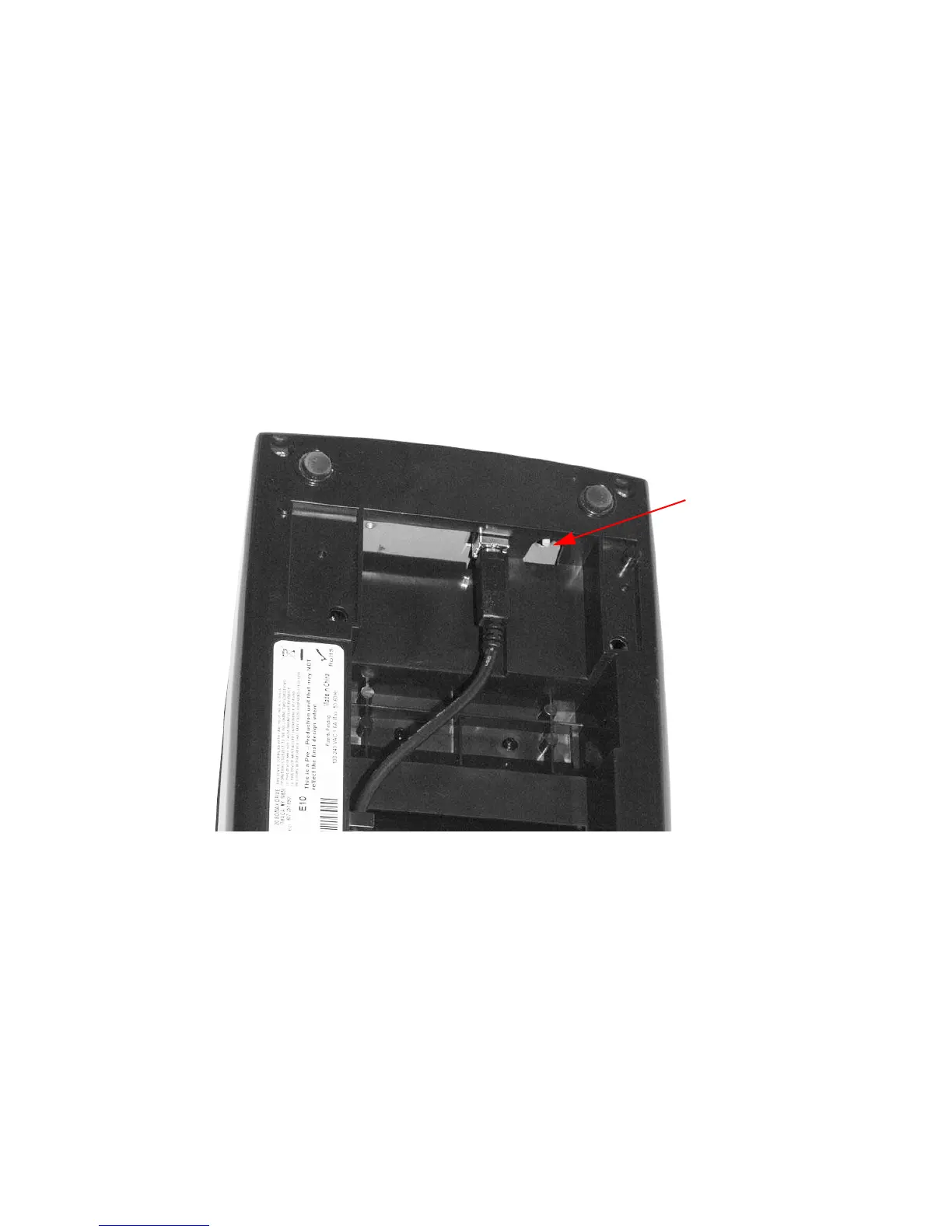
• The second self-test is available by pressing the Service button as shown
in Figure 5-1 on the underside of the printer, at which time the printer
enters self-test mode.
Figure 5-1. Service Button Underneath Printer
When servicing the printer, you should verify the firmware version and serial
number that
are printed on the receipt.



 To Next Page