7-14 GTECH Technical Training and Support Services
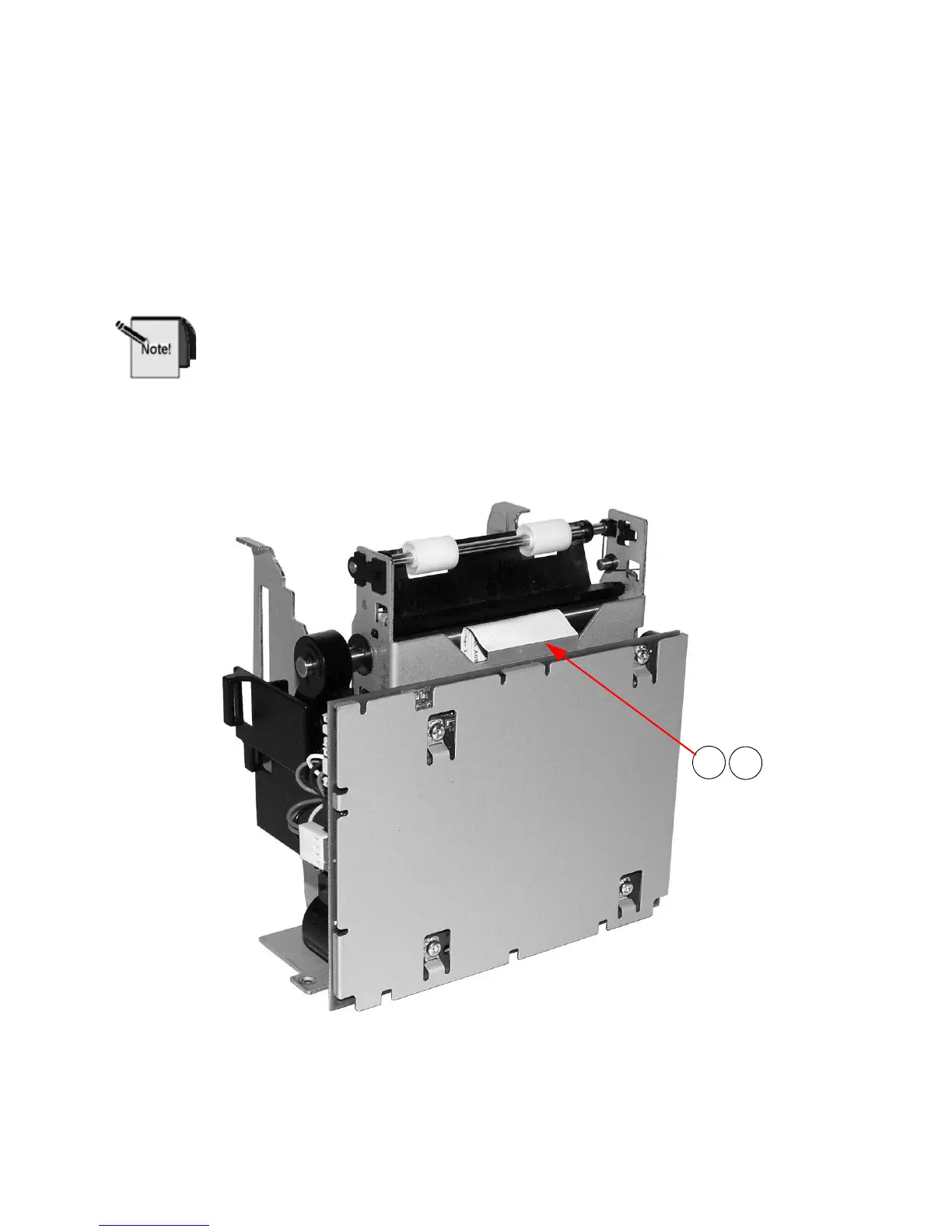
Remove Paper Path Assembly from Printer
Mechanism
REMEMBER TO USE ESD PRECAUTIONS
1. Unplug Print Head cable from the PCB.
When reassembling the Thermal Print Head Cable ensure the cable is
centered in the mating connector on the PCB.
2. Remove the Print Head Assembly as shown in the section “Remove the Print
Head Assembly from the Printer Mechanis
m Assembly (Lower Print
Mechanism)” on page 7-11.
Figure 7-12. Remove Print Head Cable and Print
Head Assembly



 To Next Page