Disassembly
Service Manual for the Accutherm Ultra Printer 7-3
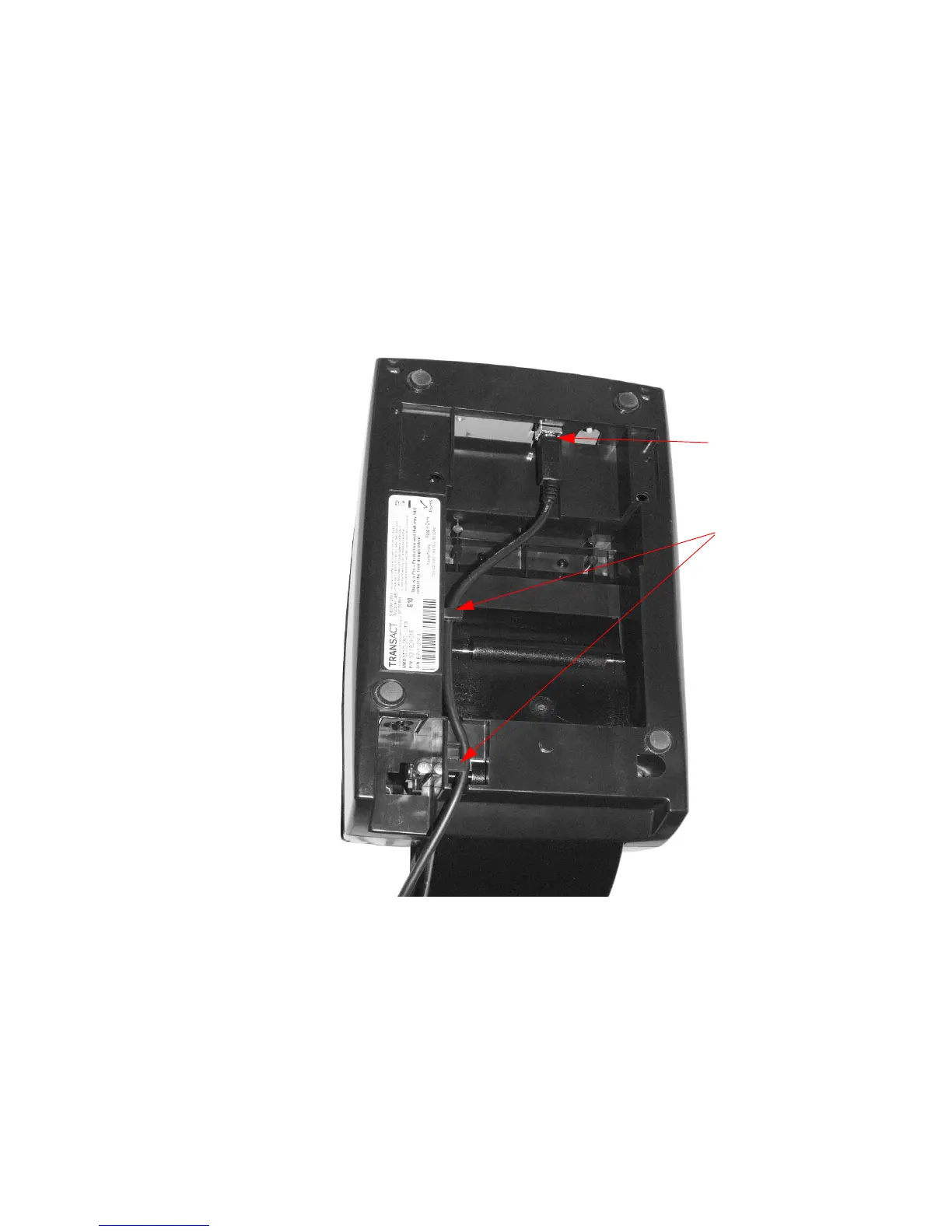
Disconnect the USB Communications Cable
To disconnect the USB data cable:
Unplug the USB cable from the Main Controller PCB, located on the
bottom of the printer (Figure 7-2).
Figure 7-2. Disconnect USB Cable
Note that the
USB cable is
routed along the
bottom of the
printer via plastic
guides.
USB cable
connector



 To Next Page