7-2 GTECH Technical Training and Support Services
Thread Forming Screws - To prevent stripping the mating holes in
plastic components when replacing screws, turn the screw counter-
clockwise until a “click” is heard, then tighten normally.
Required Tools
The following tools are required to disassemble the Accutherm® Ultra printer:
• #1 Phillips screwdriver
• 5.5mm nut driver or wrench
Disconnect the Power Cable
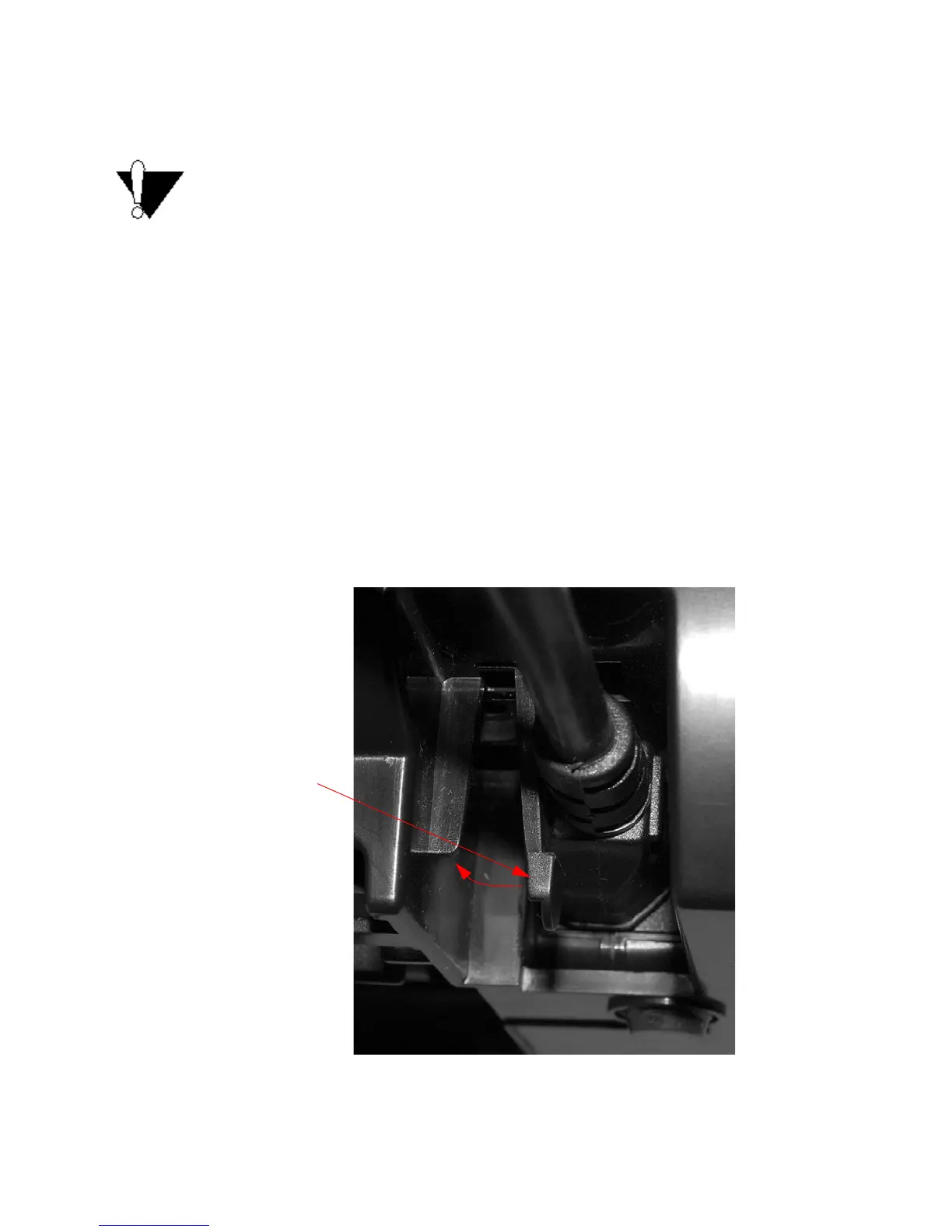
To disconnect the power cable:
1. Unplug the power connector, located at the
rear of the printer.
2. Move the strain relief to left
while disconnecting the cable (Figure 7-1).
Figure 7-1. Disconnect Power Cable



 To Next Page