8-8 GTECH Technical Training and Support Services
Loading Paper
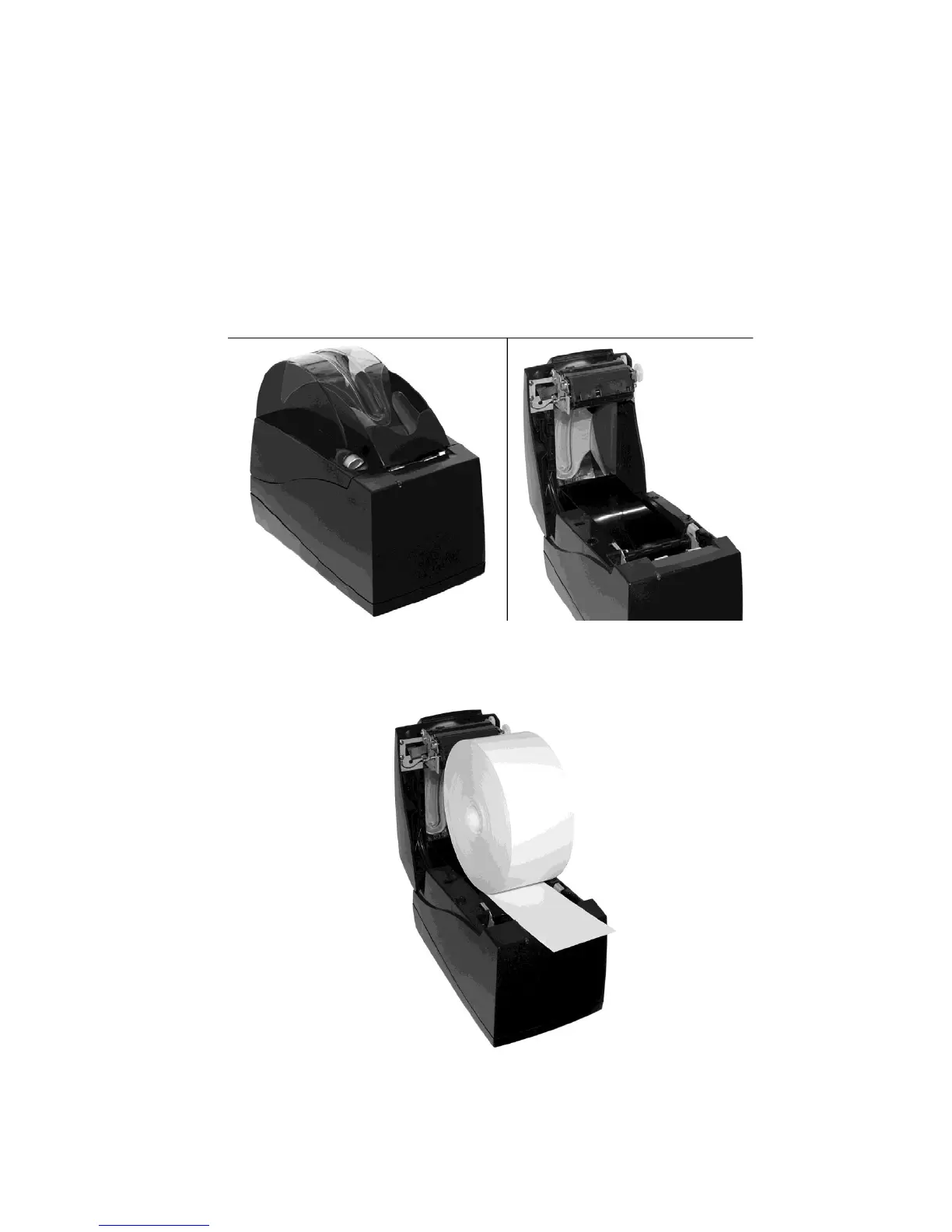
Follow the instructions below to load a new roll of paper into the Accutherm®
Ultra printer. Reference the photos that follow each step for the illustrated
procedure.
1. Press back on the gray cover latch button and raise
the paper cover to the open
position.
2. Tear off the first layer of the paper roll. Place the paper roll into the printer, so
that the paper unwinds from the bottom (front).
3. Leave a few inches of paper outside of the printer.



 To Next Page