Disassembly
Service Manual for the Accutherm Ultra Printer 7-17
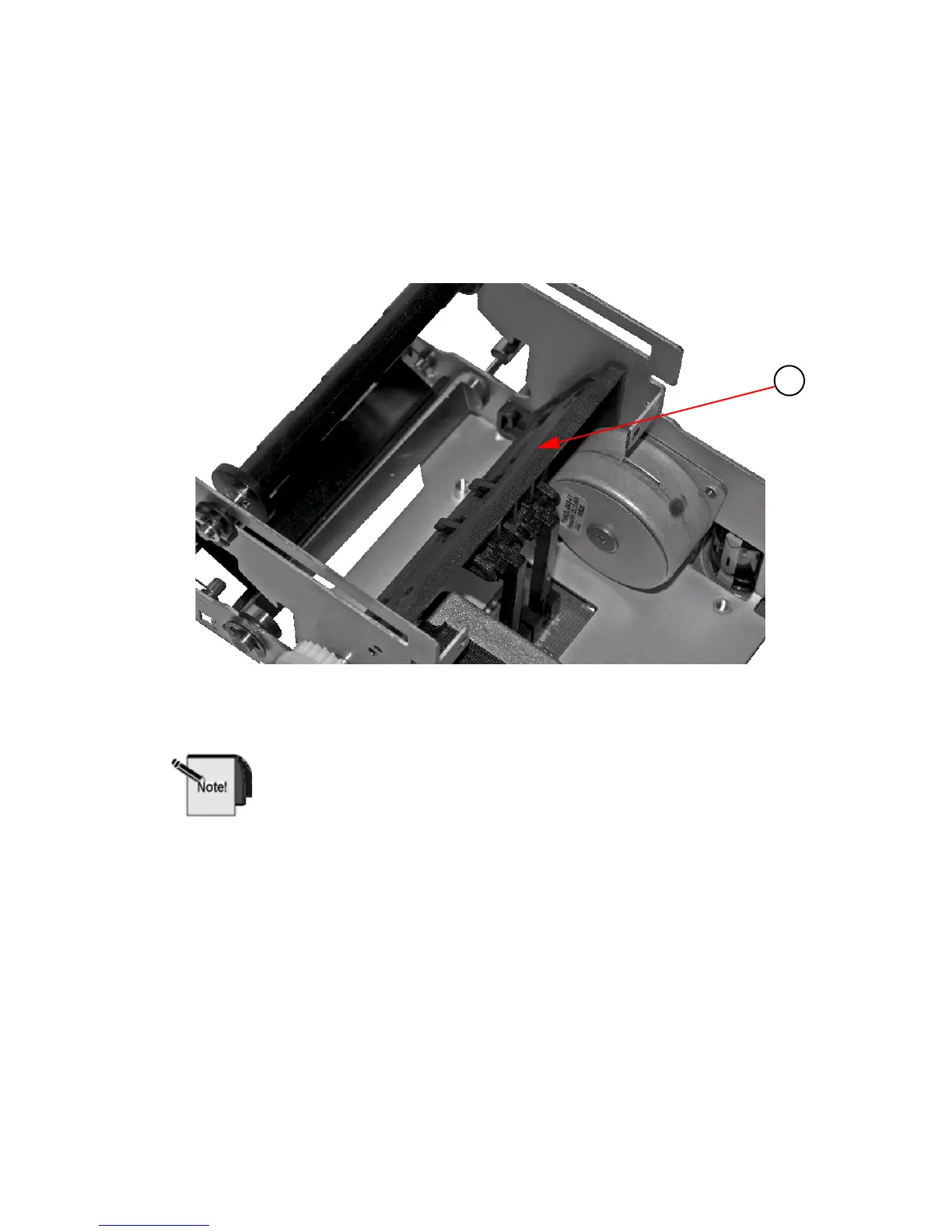
13. Remove Paper Path Assembly from Frame being careful not to damage sensor
flags.
Reassemble by reversing the previous steps, taking care that the locating
bosses are aligned with the mating holes in the frame.
Figure 7-17. Remove Paper Path Assembly from Frame
When reassembling the Thermal Print Head Cable ensure the cable is
centered in the mating connector on the PCB.



 To Next Page