P/N 53063-30, Manual revision: B
8-4
Using Data Acquisition Features
EXPLAINING ON-LINE DATA ACQUISITION FEATURES
On-line data acquisition features are tools which the operator can access
during the current CS5+ procedure. The following features are available
during the course of each procedure:
! Viewing the current procedure statistics.
! Transferring the current recorded values to an output device.
! Entering a patient identification number, hematocrit value and type of
surgical procedure.
Viewing the current procedure data
Whenever the CS5+ system is in the STANDBY state, the following informa-
tion will be displayed:
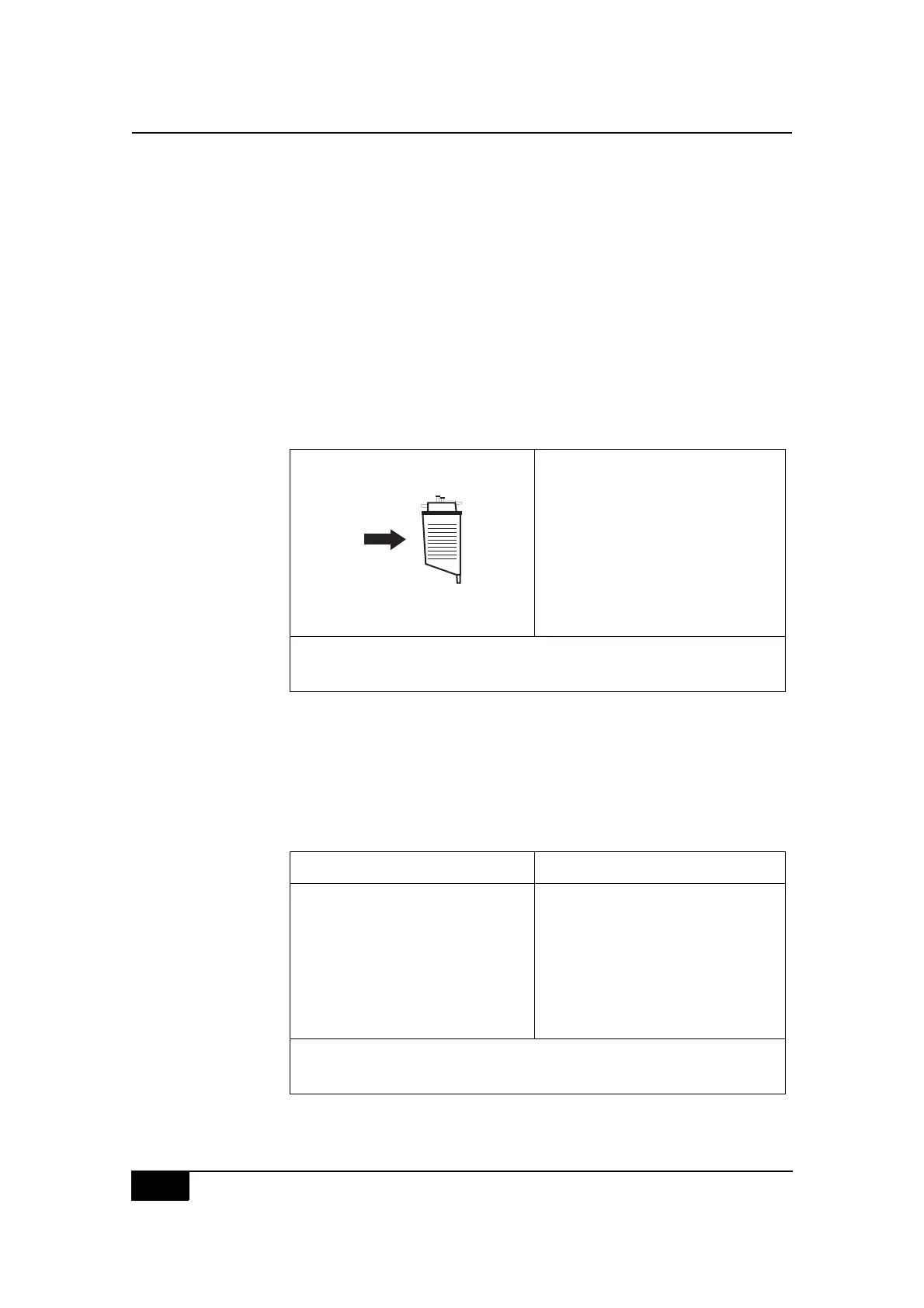
Figure 8-1, Example of the STANDBY state screen display
From the STANDBY state screen display, the operator can choose to view
the current statistics on the View Data screen display or send the informa-
tion directly to a connected output device.
To access the View Data screen display:
" Press the Yes key to display the following information.
Figure 8-2, Example of the View Data screen display
EHDIJED:+ K,-?5&8#5-
$2I+ M
2F:NC M
O(8*#T,-?5&P M
Q,7-8#'%,.&88&3P M
$%&88#ADE2D#),#V/--#6,7-"
$%&88#JIR:CS#),#.*(0=&#'(%(5&)&%8"
$%&88#SFA#),#3/8'-(4#3()(`#NI#),#)%(08V&%#3()("
N&&3#LMM#5-#/0#%&8&%T,/%#
),#C:GG#(?),5()/.(--4
ADENRQS
K/&7#3()( $%,.&3?%&#b !
$()/&0)#:R M!L1!;;;@B
ADE2DP#)%(08V&%#3()("AFGF+D`#
!"
P#$()/&0)#:R"
$%&88#JIRF#),#3/8'-(4#T,-?5&8"
$%&88#ADI$#7*&0#V/0/8*&3"
R()& J,0U!9UM9Uc>
A?%=&%4 I%)*,'(&3/.
D/5&#,V#:08)" !MP!9
A)(%)#)/5& !MP;;
R?%()/,0 1P9B
Q,7-#8/d& 11>#5-
J,3& EHDIJED:+
2&8&%"#K(.??5 !B1#55<=
F%%,%8#.,3&8 9c;L
D,)(-#T,-"#'%,. ;9ML
D,)(-#T,-"#7(8* >M9@
D,)(-#T,-"#%&/0V !1;B
Q,7-8#'%,.&88&3 >
N6%#,V#+IN+#.4.-&8 !
N6%#,V#2DN#.4.-&8 M
e
ee


 To Next Page