P/N 53063-30, Manual revision: B
4-16
Preparing for a Cell Saver 5+ Procedure
Entering the STANDBY state
Once the disposable set has been properly loaded, the operator can prepare
the system for processing as follows:
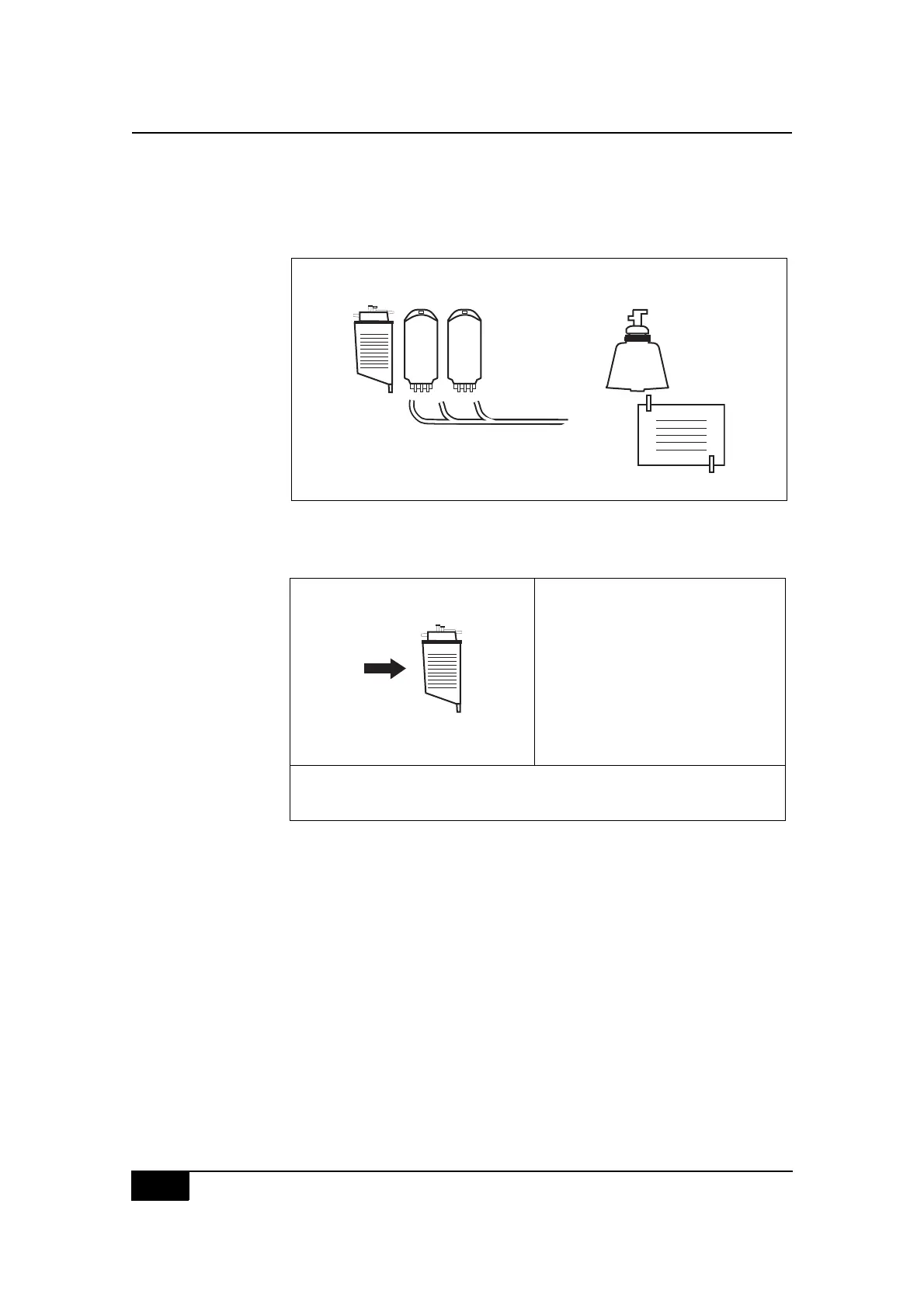
Figure 4-16, Load disposable screen message
" Press the Start key to enter the STANDBY state.
Figure 4-17, Example of a STANDBY state screen display (initial)
The CS5+ system will be ready to proceed with collection. The operator
should refer to the appropriate chapter for specific instructions about
protocol function:
! Chapter Five for the Cell Saver protocol, Automatic operation.
! Chapter Six for the Cell Saver protocol, Manual operation.
! Chapter Seven for the Sequester protocol.
N(+-
O*&0#3/8',8(6-&#/8#-,(3&3`#'%&88#ADE2D
GIER#R:A$IAEQGF
2Q+
EHDIJED:+ K,-?5&8#5-
$2I+ M
2F:NC M
O(8*#T,-?5&P M
Q,7-8#'%,.&88&3P M
$%&88#ADE2D#),#V/--#6,7-"
$%&88#JIR:CS#),#.*(0=&#'(%(5&)&%8"
$%&88#SFA#),#%&8&)#5,3/V4#'(%(5&)&%8"
N&&3#LMM#5-#/0#%&8&%T,/%#
),#C:GG#(?),5()/.(--4
ADENRQS



 To Next Page