P/N 53063-30, Manual revision: B
6-3
Cell Saving using Manual Operation
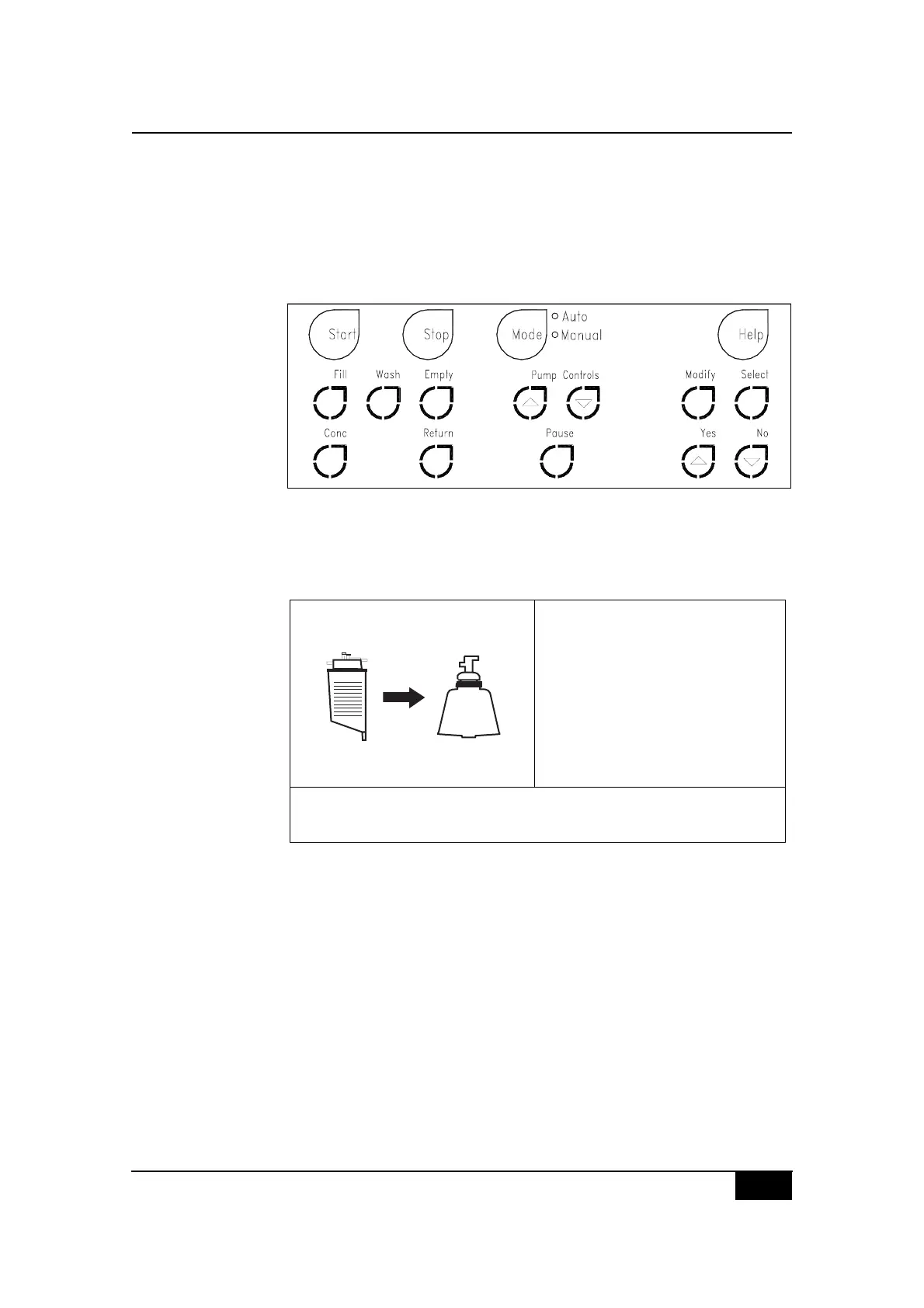
Explaining the manual control keys
The CS5+ device switches from automatic operation to manual operation
when the Mode key is pressed. Once manual operation is selected, all
backlit manual control keys will be continuously lit and become functional
at different points in the procedure, depending on the current process state.
Figure 6-1, CS5+ keypad: Manual operation
The operator will be able to press the Mode key at any time to return to
automatic operation. The present mode of operation will be visible in the
upper right side of the screen display as depicted:
Figure 6-2, Example of a FILL state screen display (manual)
JENHEG K,-?5&8#5-
$2I+ 1>1>
2F:NC ;MM
O(8*#T,-?5&P 1MMM
Q,7-8#'%,.&88&3P 1
$%&88#JIRF#Z&4#V,%#EHDIJED:+"
$%&88#E22IO#Z&48#),#.*(0=&#T(-?&8"
$?5'#%()&P @MM#5-U5/0
C:GG#QIOG



 To Next Page