P/N 53063-30, Manual revision: B
5-15
Cell Saving using Automatic Operation
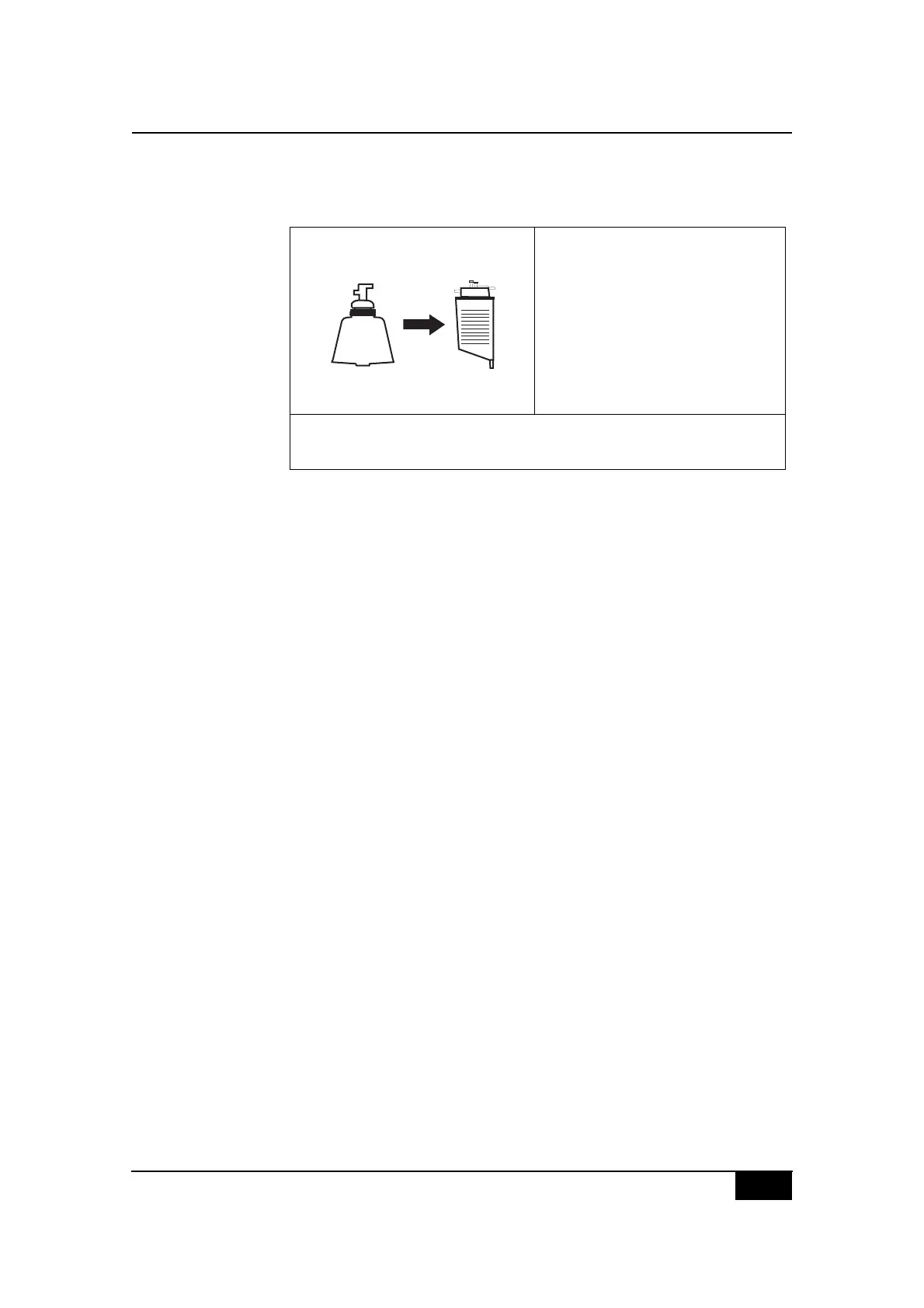
When the system is in the RETURN state, the following information will be
displayed.
Figure 5-12, Example of the RETURN state screen display
Once the bowl is empty, the CS5+ system will either initiate another FILL
state if the level in the reservoir is above the preset level, or return to the
STANDBY state.
When the Pump RBCs to option is set by default at Blue Line and the packed
red cells are sent to the reinfusion bag, volume accounting is performed as
follows:
! During the EMPTY state: according to the reinfusion volume incre-
ments.
! During the RETURN state: according to the processed volume decre-
ments; the reinfusion volume remains unchanged.
When the Pump RBCs to option is set at Red Line, the bowl will automati-
cally be emptied through the red line towards the bypass circuit. In this case,
volume accounting is performed as follows:
! During the EMPTY state: according to the reinfusion volume incre-
ments.
! During the RETURN state: according to the reinfusion volume incre-
ments; the processed volume remains unchanged.
Minimum Wash Volume option
The Min Wash Vol will not be accessible to the operator until the CS5+ sys-
tem has determined the type of the bowl installed in the centrifuge.
The recommended minimum wash volumes vary depending on the type of
centrifuge bowl being used:
! 1000 ml for the Latham 225 ml bowl.
! 750 ml for the Latham 125 ml bowl.
! 300 ml for the 70mL Bowl.
EHDIJED:+ K,-?5&8#5-
$2I+ 1>1>
2F:NC ;MM
O(8*#T,-?5&P 1MMM
Q,7-8#'%,.&88&3P 1
$?5'#%()&P# 9MM#5-U5/0
2FDH2N
11>



 To Next Page