P/N 53063-30, Manual revision: B
2-6
Describing the Cell Saver 5+ System Components
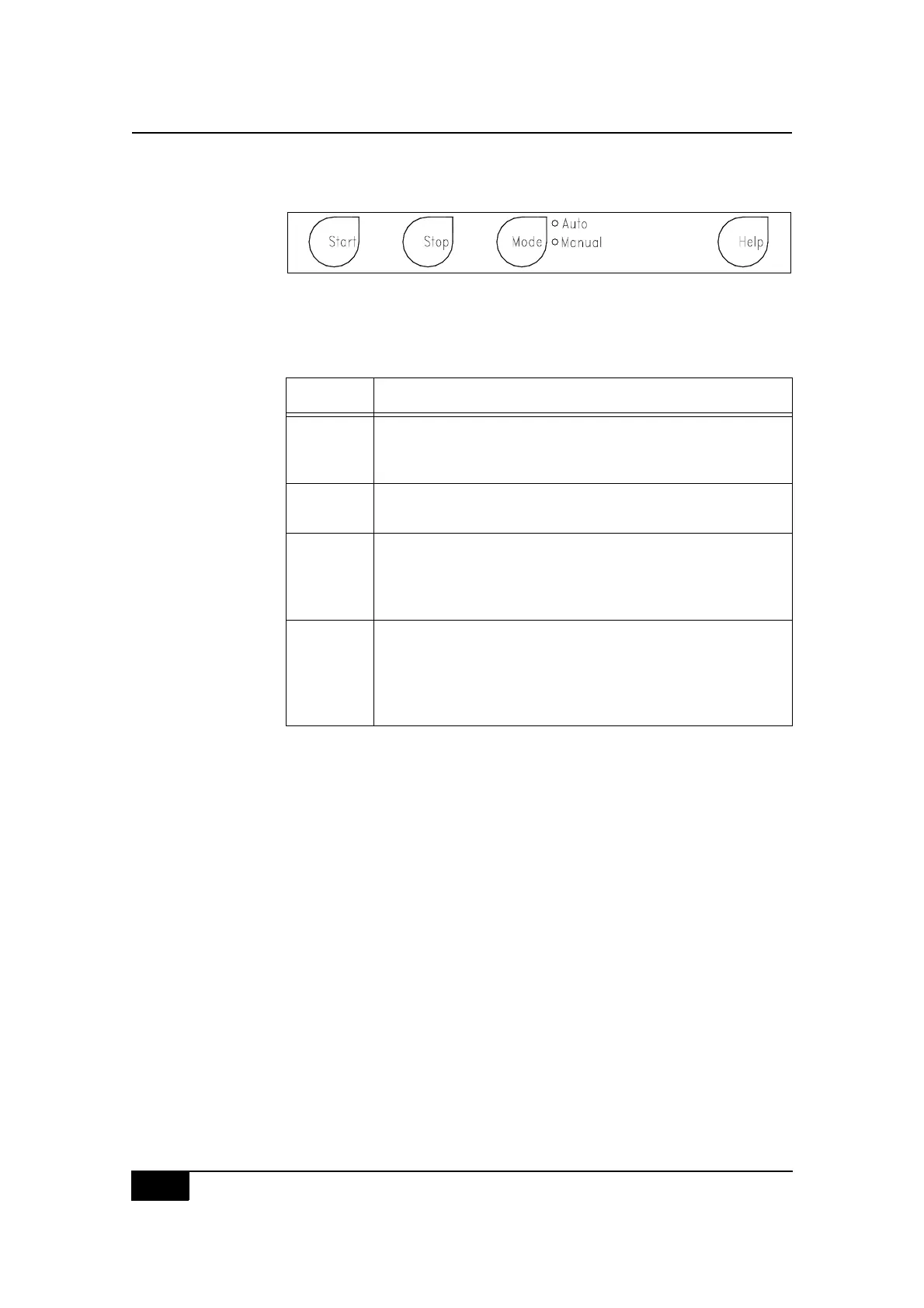
Automatic control keys
Figure 2-5, Automatic key section
These four keys are “mode-insensitive” and will regulate the automatically
controlled functioning of the CS5+ device in either the manual or automatic
mode, as described in the following table.
Key Purpose
Start Used to initiate the first cycle of a set of cycles.
Used to resume operation (from STANDBY) at the point in
which the process was stopped.
Stop Used to interrupt the process by stopping the pump and
centrifuge and closing all clamp-valves.
Mode Used to change between the AUTO and MANUAL modes of
operation. Can be used to switch modes during the course
of any procedure. When pressed, the LED will illuminate
next to the selected mode.
Help Used to assist the operator with the disposable set installa-
tion procedure.
Used to display context-specific information and assist the
operator through special situations when the “help” infor-
mation is available.



 To Next Page