P/N 53063-30, Manual revision: B
5-4
Cell Saving using Automatic Operation
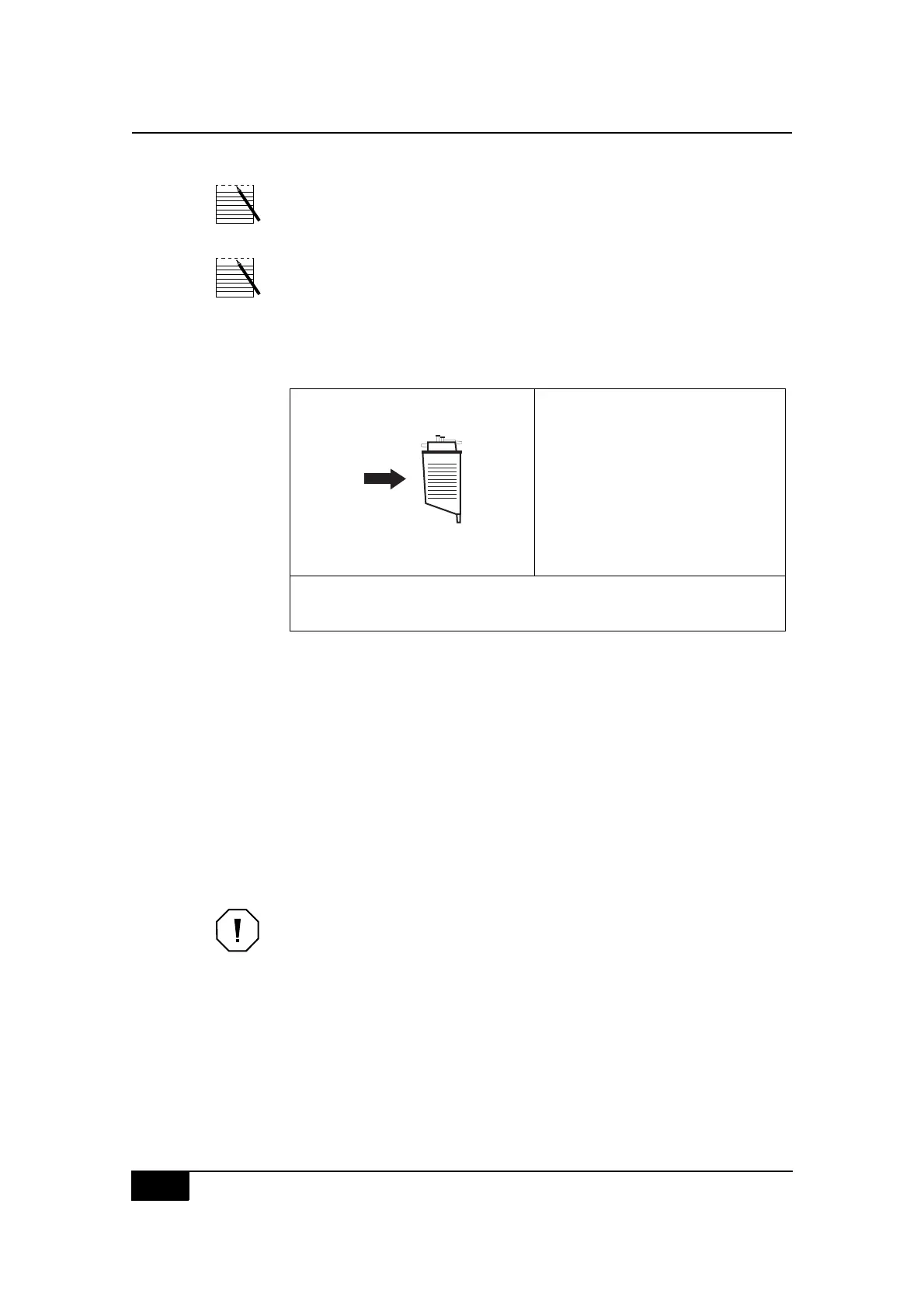
Note: When the Latham bowl size is detected, it appears inside the bowl
icon on the screen.
Note: For the Latham bowl sets, the pump speed may vary as the bowl is
being filled; for the 70mL Bowl set, the pump speed will remain constant.
If the reservoir becomes empty before the bowl is full, the CS5+ system will
revert to the STANDBY state and provide the following information:
Figure 5-3, Example of a STANDBY state screen display (resume)
The CS5+ system will resume filling the bowl once the preset level (Resume
at Level parameter) has been detected in the reservoir.
Besides initiating the FILL state at anytime from the STANDBY state, the op-
erator has other options available, when other keys are backlit.
The operator can:
" Press the backlit Return key to send the contents of the bowl into the
reservoir for future processing.
" Press the backlit Wash key to advance to the WASH state and wash a
partially filled bowl.
Caution: Washing partial bowls will produce a lower hematocrit end prod-
uct.
EHDIJED:+ K,-?5&8#5-
$2I+ ;>9
2F:NC M
O(8*#T,-?5&P M
Q,7-8#'%,.&88&3P M
2&8&%T,/%#-/0&#.-(5'&3
$%&88#ADE2D#),#V/--#6,7-"
$%&88#2FDH2N#),#&5')4#6,7-#/0),#%&8&%T,/%"
$%&88#OEA<#),#7(8*#(#'(%)/(-#6,7-"
N&&3#;MM#5-#/0#%&8&%T,/%
),#C:GG#(?),5()/.(--4
ADENRQS



 To Next Page