Chapter 6 Page 105
Tips for using Agenda view
■
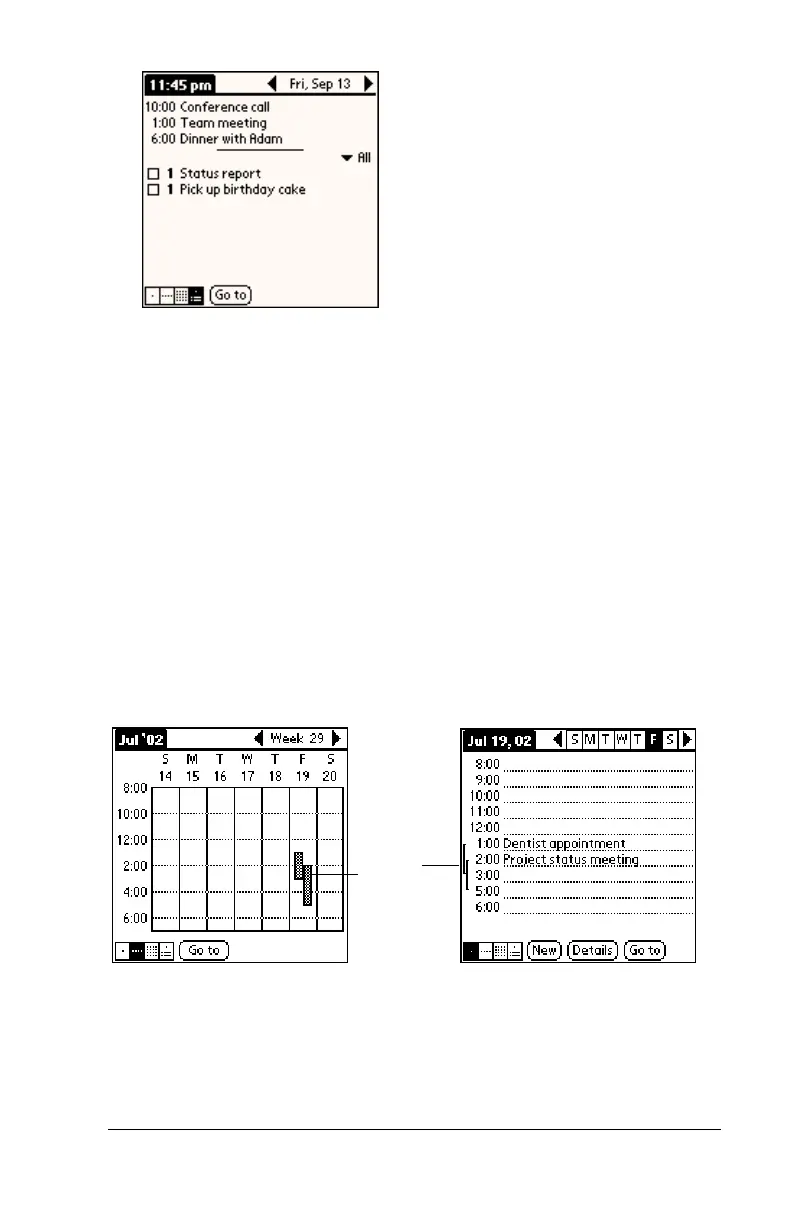
Tap any appointment while in Agenda view to display the Day
View of the appointment.
■
Check off completed To Do items in the Agenda view, or click a
description of an item to go directly into the To Do List
application.
Spotting event conflicts
With the ability to define specific start and end times for any event, it’s
possible to schedule events that overlap (an event that starts before a
previous event finishes).
An event conflict (time overlap) appears in the Week View as
overlapping bars. The Day View displays overlapping brackets to the
left of the conflicting times.
Event
conflicts



 To Next Page