Chapter 6 Page 137
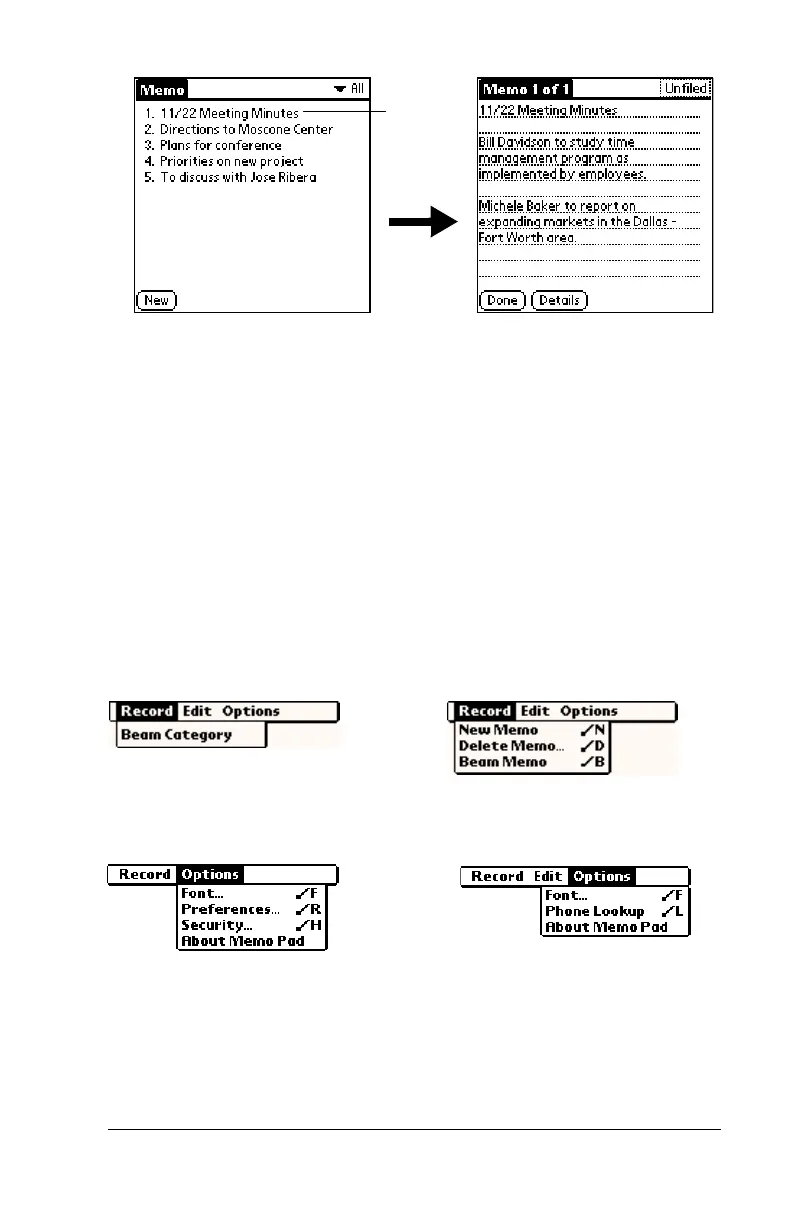
2. Review or edit the text in the memo.
3. Tap Done.
Memo Pad menus
Memo Pad menus are shown here for your reference, and Memo Pad
features that are not explained elsewhere in this guide are described
here.
See “Using menus” in Chapter 1 for information about choosing menu
commands.
The Record and Options menus differ depending on whether you’re
displaying the Memo list or an individual memo.
Record menus
Options menus
Preferences
Displays the Memo Preferences dialog box,
where you define the sort order for memos.
About Memo Pad
Shows version information for Memo Pad.
Tap a
memo to
review its
contents
Memo list
Memo screen
Memo list
Memo screen



 To Next Page