Chapter 6 Page 163
Expense menus
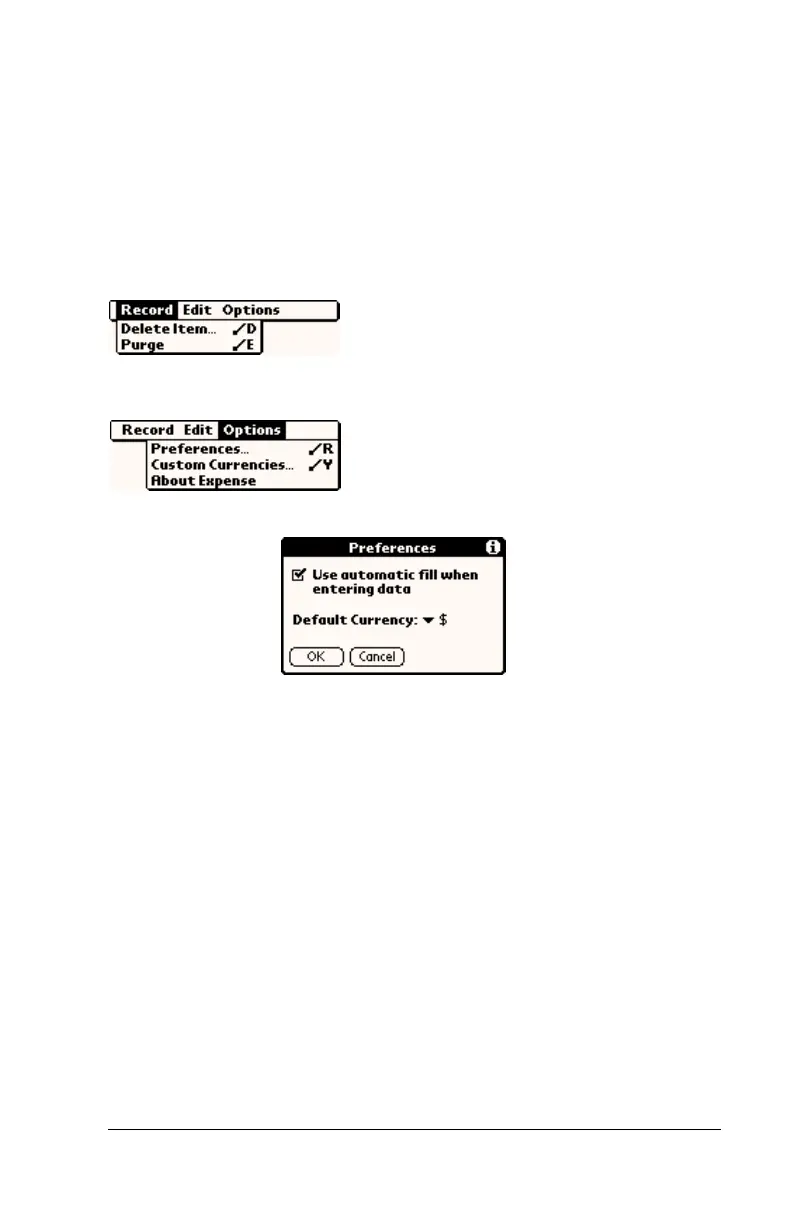
Expense menus are shown here for your reference, and Expense
features that are not explained elsewhere in this guide are described
here.
See “Using menus” in Chapter 1 for information about choosing menu
commands.
Record menu
Options menu
Preferences
■ Use automatic fill.
Lets you select an expense
type by writing the first letter of an expense
type in the Graffiti writing area. For example,
if you write the letter “T,” it enters the “Taxi”
expense type. Writing “T” and then “E” enters
“Telephone” which is the first expense type
beginning with the letters “TE.”
■ Default currency.
Sets the default currency
symbol for Expense.
About Expense
Shows version information for Expense.



 To Next Page