Chapter 6 Page 139
Displaying Recent Calculations
The Basic Calculator’s Recent Calculations command enables you to
review the last series of calculations and is particularly useful for
confirming a series of “chain” calculations.
To display recent calculations:
1. Tap the Menu icon .
2. Tap Options, and then tap Recent Calculations.
3. After you finish reviewing the calculations, tap OK.
Using the Advanced Calculator mode
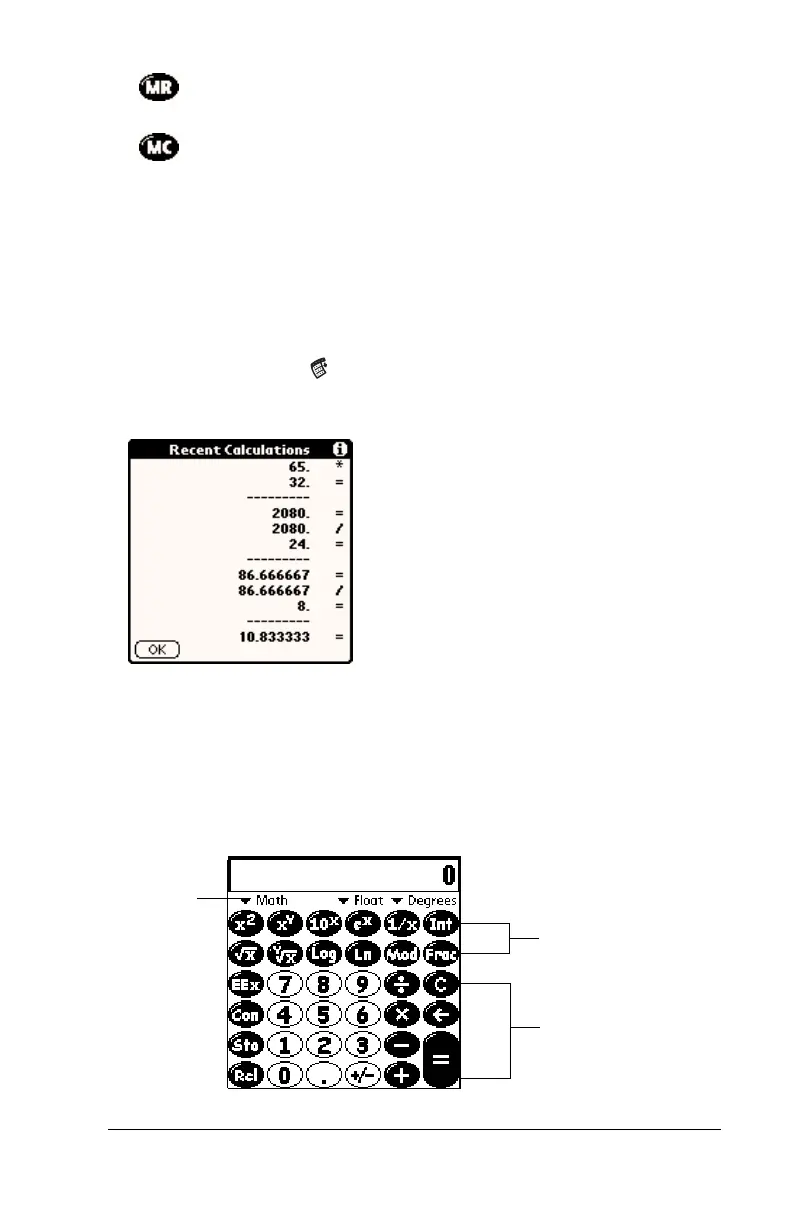
The Advanced Calculator screen consists of three regions. Each region
performs a different function to help you perform a variety of
calculations.
Recalls the stored value from memory and inserts it in
the current calculation.
Clears any value that is stored in the Calculator
memory.
Primary buttons
available in all views
View specific buttons
change with view
Tap here
to change
views



 To Next Page