Chapter 5 Page 91
Attaching notes
In all basic applications except Memo Pad, you can attach a note to a
record. A note can be up to several thousand characters long. For
example, for an appointment in Date Book Plus, you can attach a note
with directions to the location.
To attach a note to a record:
1. Display the entry to which you want to add a note.
2. In Address only: Tap Edit.
3. Tap Details.
4. Tap Note.
5. Enter your note.
6. Tap Done.
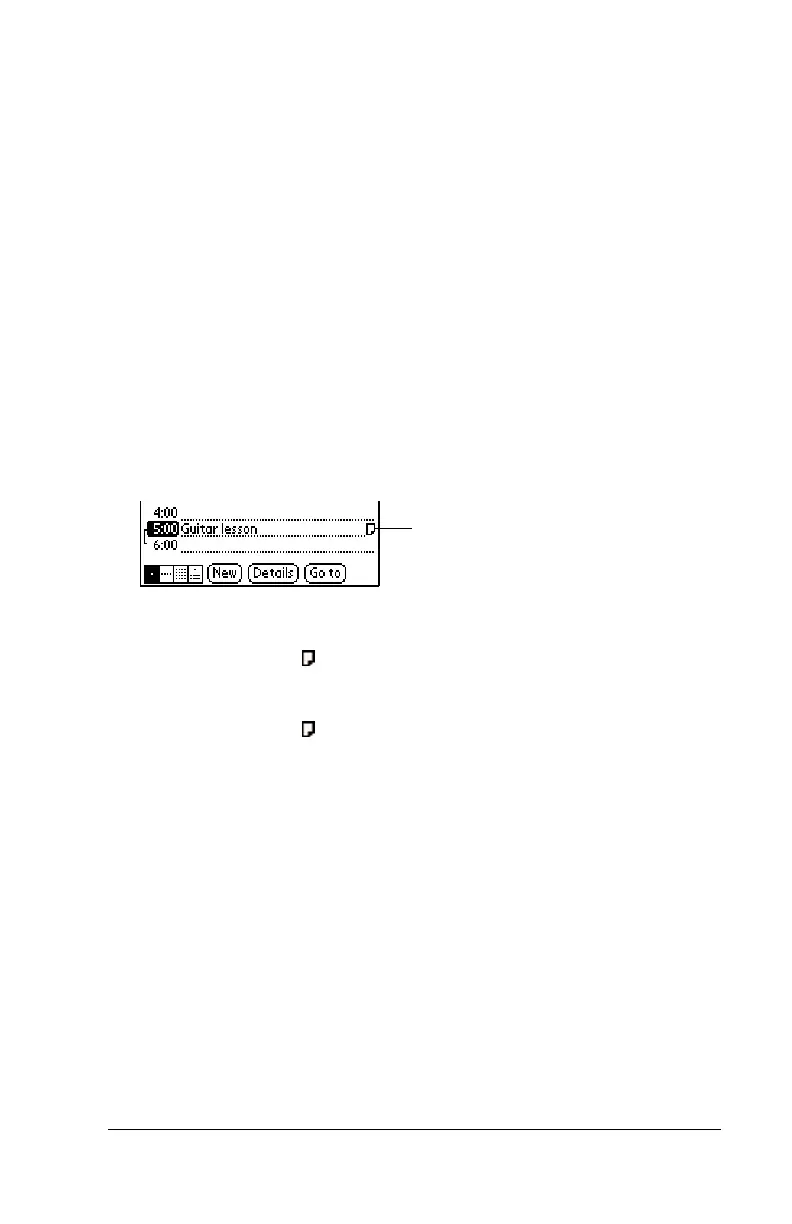
A small note icon appears at the right side of any item that has a note.
To review or edit a note:
1. Tap the Note icon .
To delete a note:
1. Tap the Note icon .
2. Tap Delete.
3. Tap Yes.
Note icon



 To Next Page