Page 58 Managing Your Applications
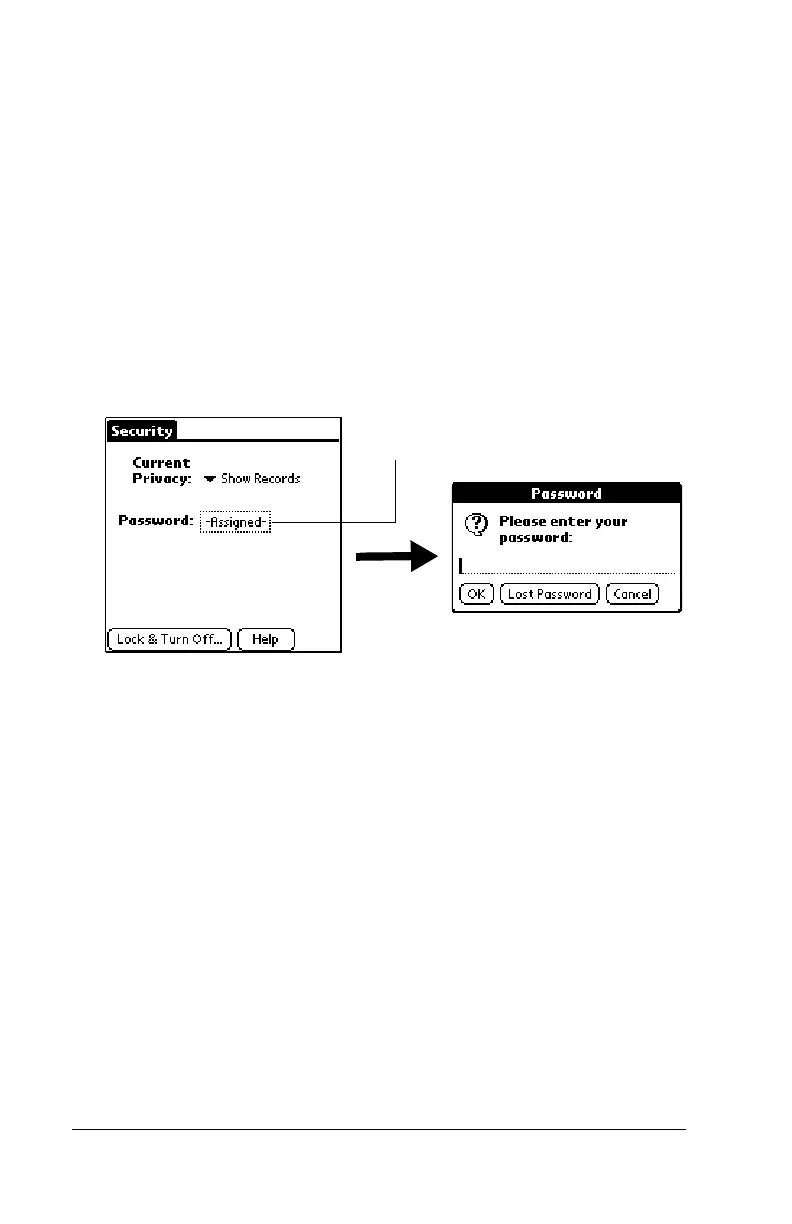
Recovering from a forgotten password
If you did not activate the Off & Lock feature and you forget your
password, you can delete the password from your handheld. Deleting
a forgotten password also deletes all entries and files marked as
Private.
Important:
If you synchronize with your computer before deleting a
forgotten password, your handheld restores your private
entries the next time you perform a HotSync operation,
but it does not restore the password.
To delete a forgotten password:
1. Tap the Password box.
2. Tap Lost Password.
3. Tap Yes.
Tap here



 To Next Page