Page 178 Communicating Using Your Handheld
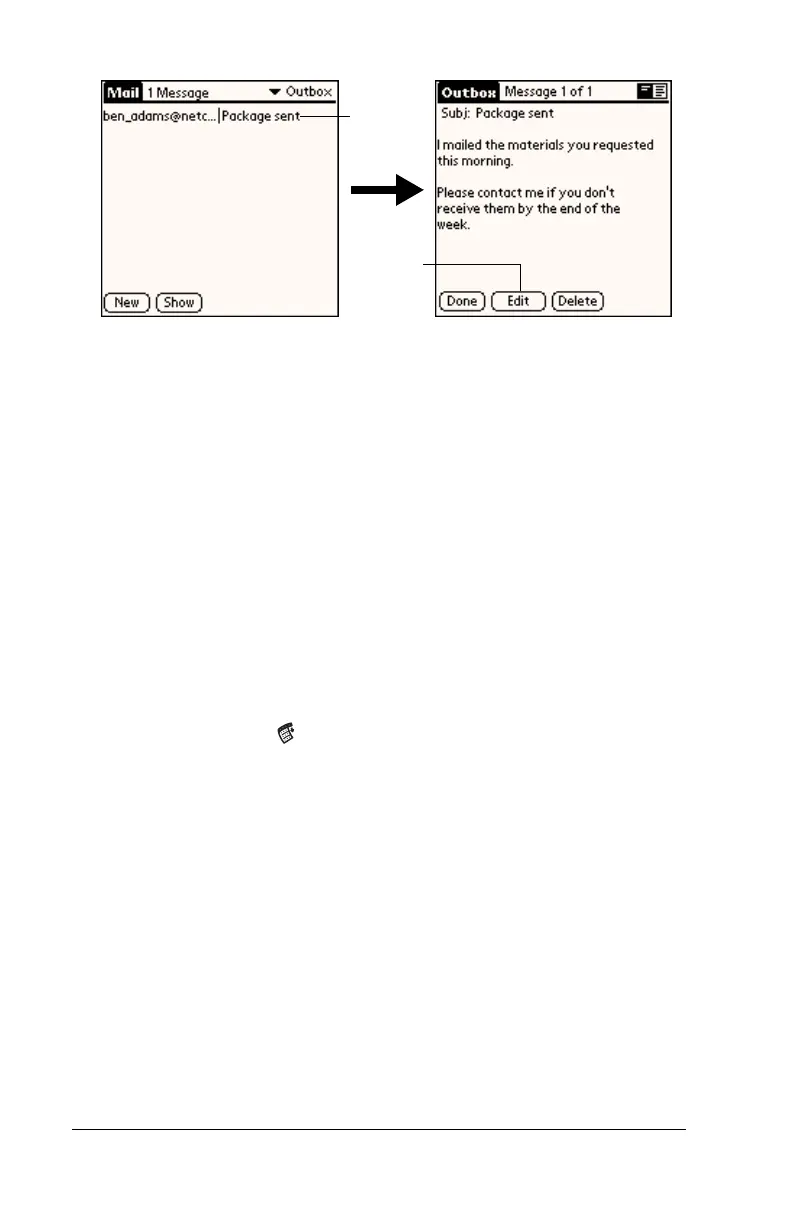
3. Tap Edit.
Draft e-mail
Sometimes you may not want to send an e-mail item immediately; for
example, you may want to add additional information before sending
it. Your handheld stores such e-mail items in the Draft folder until you
are ready to edit them again.
Note:
When you’re creating or editing an e-mail item, you can also
save the item as a draft by canceling it. When you cancel an
item, your handheld opens a dialog asking if you want to save
the e-mail item. If you tap Yes, your handheld saves the item
in the Draft folder.
To save an e-mail item as a draft:
1. Create an e-mail item.
2. Tap the Menu icon .
3. Tap Message, and then tap Save Draft.
To edit an e-mail item saved as a draft:
1. In the Message list, tap Draft from the pick list in the upper-right
corner.
2. Tap the draft you want to display.
Tap here
to select
item
Tap to
edit item



 To Next Page