Page 224 Setting Preferences for Your Handheld
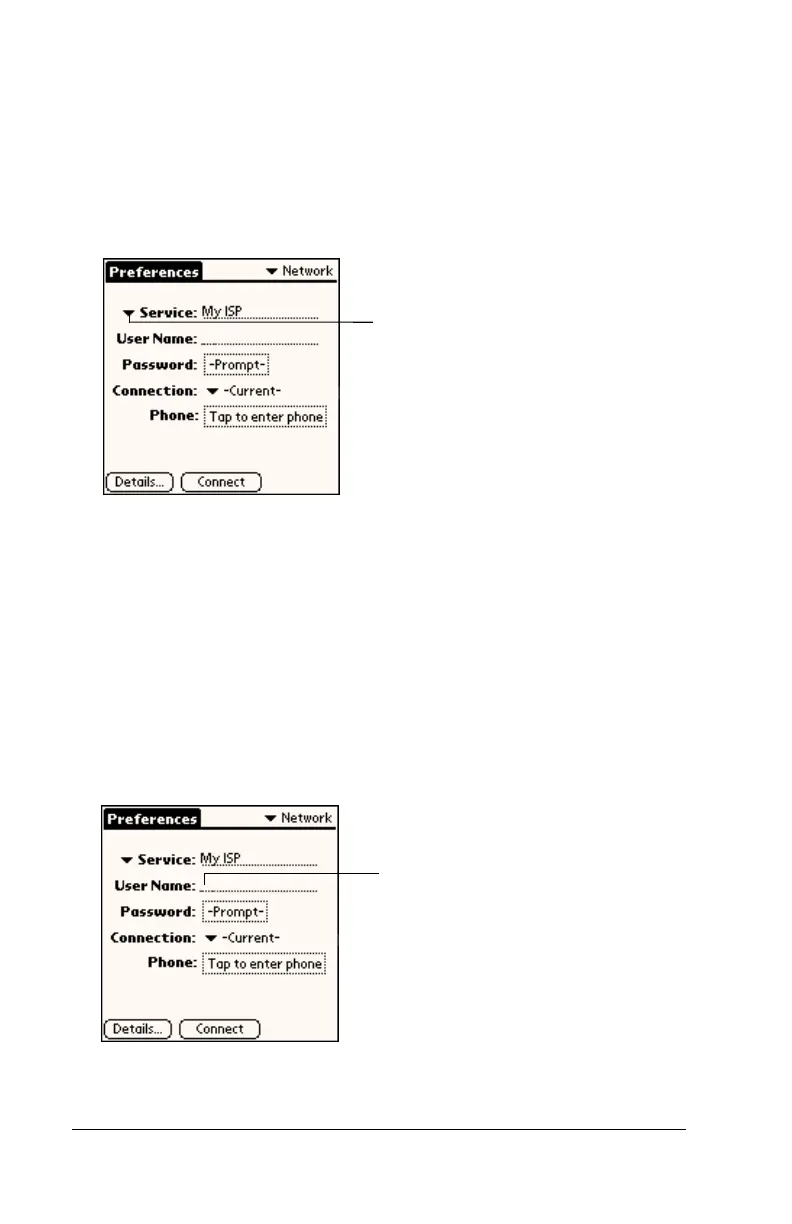
Selecting a service
Use the Service setting to select the service template for your ISP or a
dial-in server. Service templates are a set of ISP and dial-in server
configuration settings that you can create, save, and reuse.
To select a service:
1. Tap the Service pick list.
2. Tap the predefined service template you want to use or enter a
name for a new service template.
Entering a user name
The User Name setting identifies the name you use when you log into
your Internet Service Provider or your dial-in server. Although this
field can contain multiple lines of text, only two lines appear onscreen.
To enter a user name:
1. Tap the User Name field.
2. Enter your user name.
Note:
Most dial-in servers do not accept spaces in the user name.
Tap here to display
a list of service
templates
Enter your user
name here



 To Next Page