Chapter 8 Page 209
To prepare your handheld for a dial-in network HotSync operation:
Note:
If you are performing a network HotSync operation via a
LAN, you do not need to prepare your handheld and can skip
to the “Performing a network HotSync operation via a LAN”
section.
1. Tap the Applications icon .
2. Tap the HotSync icon .
3. Tap the Menu icon .
4. Tap Options, then tap Modem Sync Prefs.
5. Tap Network.
6. Tap OK.
Note:
See “Network preferences and TCP/IP software” in Chapter 9
for information on configuring Network HotSync preferences.
Performing a dial-in network HotSync operation
You are ready to perform a dial-in network HotSync operation after
you prepare your computer and handheld, and select your Conduit
Setup options.
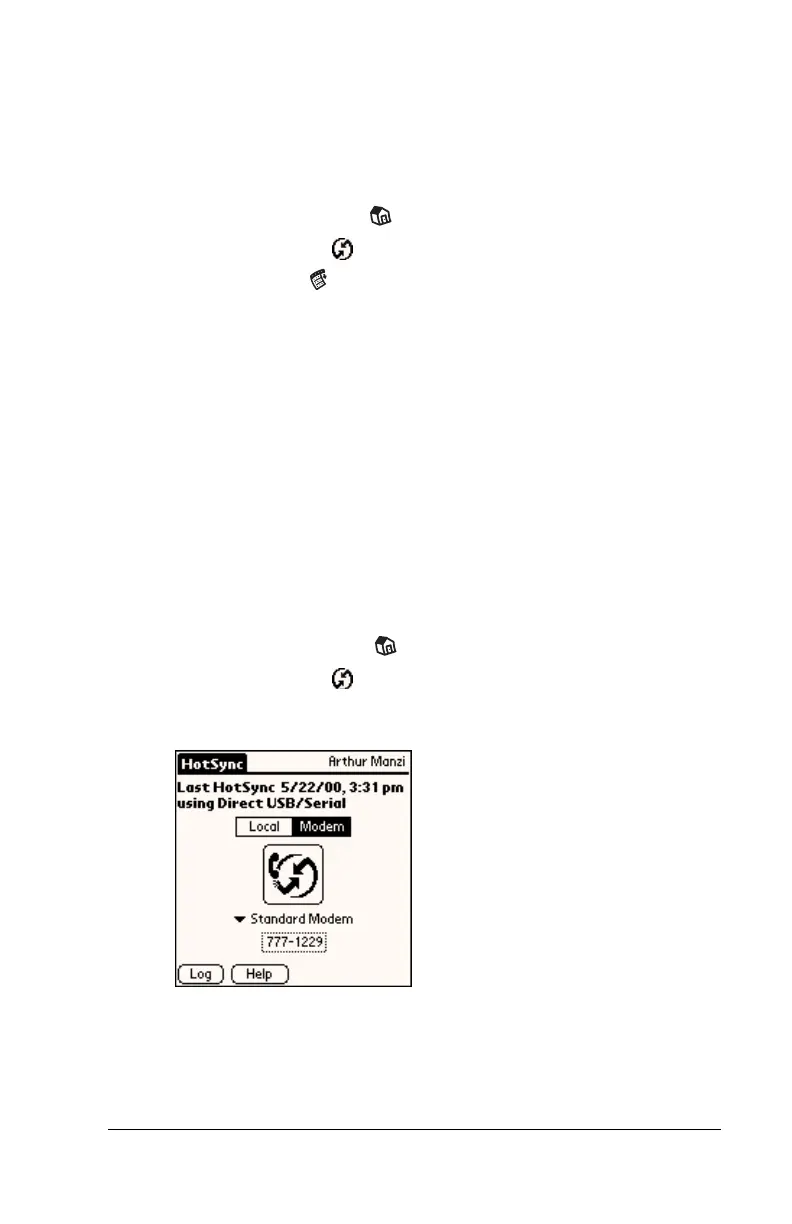
To perform a dial-in network HotSync operation:
1. Tap the Applications icon .
2. Tap the HotSync icon .
3. Tap the modem HotSync icon to begin the operation.



 To Next Page