Page 88 Common Tasks
Making records private
In all basic applications, except Mail and Expense, you can make
individual records private. Private records remain visible and
accessible, however, until you select the Security setting to hide or
mask all private records. See “Security” in Chapter 3 for more
information.
Hiding and masking private records
You can hide records that you mark as private. When you hide
records, they do not appear anywhere in the application. When you
mask records, a visual placeholder appears where the record would
normally appear. If you define a password, you must enter it to
display private records.
To make a record private:
1. Display the entry that you want to make private.
2. Tap Details.
3. Tap the Private check box to select it.
4. Tap OK.
To hide or mask all private records:
1. Make sure the records you want to mask are marked private.
2. Tap the Applications icon .
3. Tap Security.
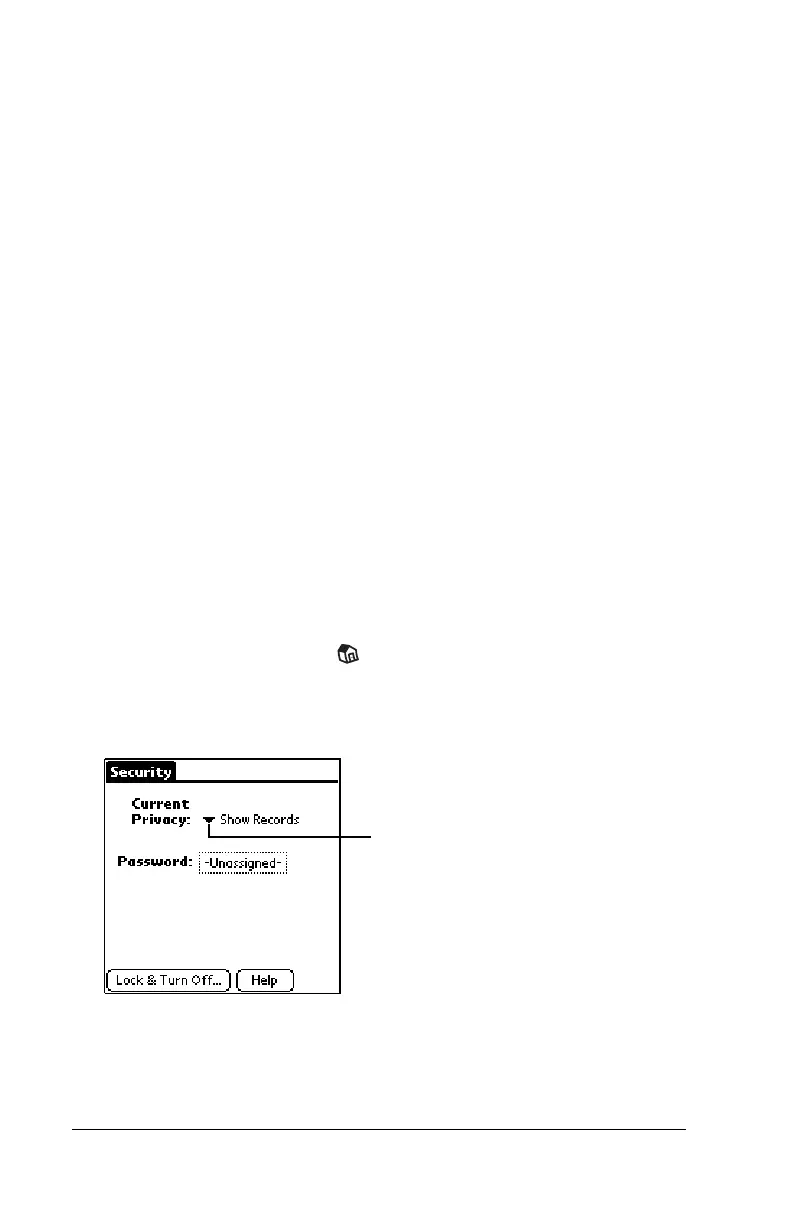
4. Tap the Current Privacy pick list.
5. Tap either Hide Records or Mask Records.
6. Tap OK to confirm that you want to change the security setting.
Tap here



 To Next Page