Chapter 5 Page 89
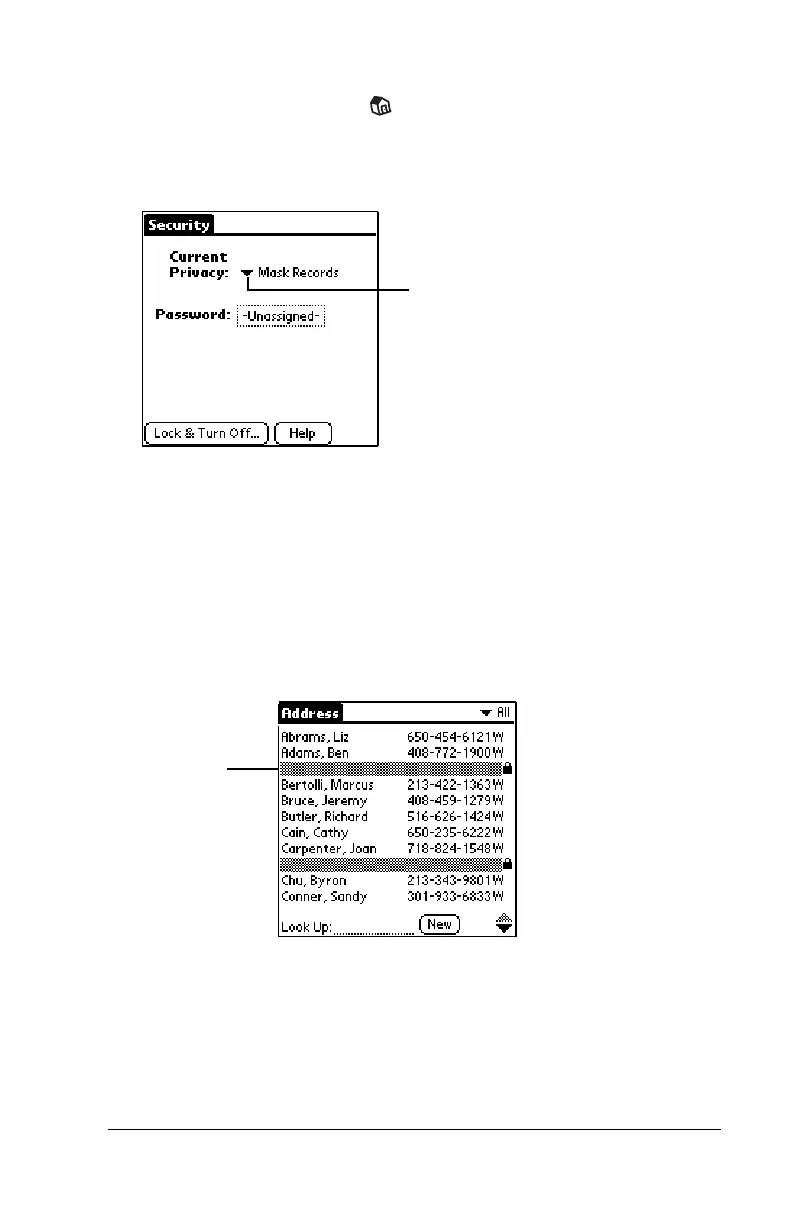
To display all private records:
1. Tap the Applications icon .
2. Tap Security.
3. Tap the Current Privacy pick list.
4. Tap Show Records.
If you do not have a password, private records become visible.
If you have a password, the Show Private Records dialog box
appears. Enter your password in this dialog box, and tap OK.
To display a specific masked record:
1. Open the application that contains the record you want to view.
2. Tap the shaded bar that masks the record.
Note:
If you have a password, you must enter your password and
tap OK to view the record.
Tap here
Tap here



 To Next Page