Chapter 6 Page 115
Using templates
You can use templates to create a list of standard events. You can then
select an event from this list and add it to your calendar. Since Date
Book Plus saves all the event attributes, including alarms and notes,
templates can really save you time when entering reminder notices or
events that recur on different days and times.
To create a template:
1. Select the event you want to save as a template.
2. Tap the Menu icon .
3. Tap Record, and then tap Create Template.
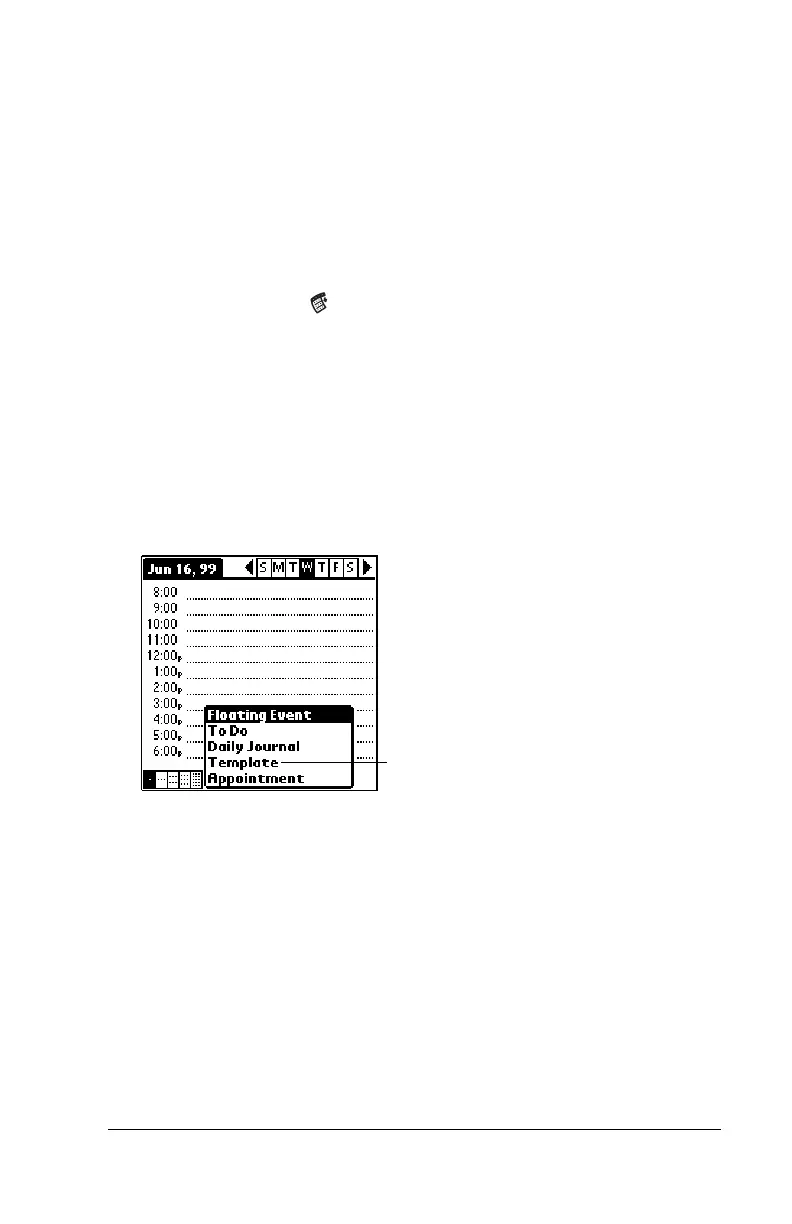
To schedule a template event:
1. Go to the date on which you want to schedule the event.
2. Tap the time line that corresponds to the beginning of the event.
3. Tap the Day View button.
4. Tap New and select Template from the list.
5. Select the event from the Appointment Templates list.
6. Tap OK.
Tap to create an event
from a template



 To Next Page