Chapter 4 Page 65
Calculator
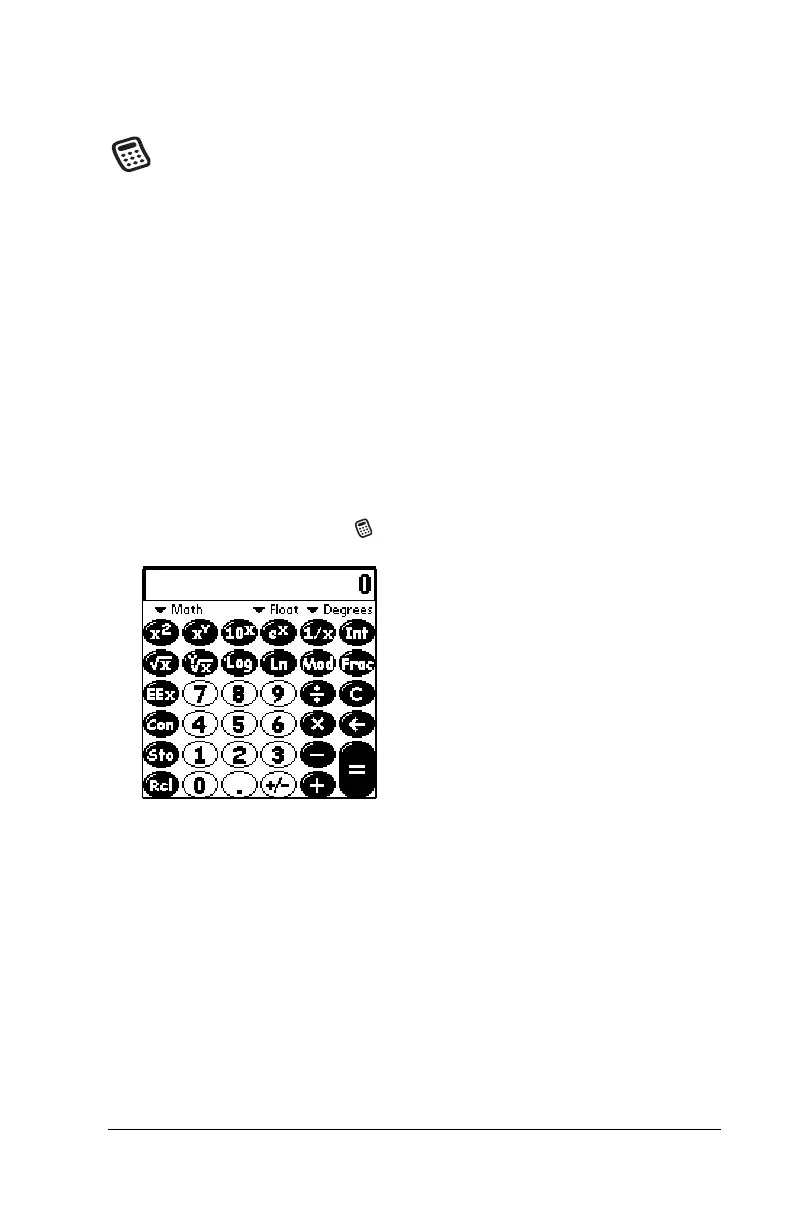
Calculator enables you to perform addition, subtraction,
multiplication, division and a variety of advanced math and
scientific calculations.
In Calculator, you can do the following:
■
Select a view to perform specific types of calculations including:
math, trigonometry, finance, logic, statistics, weight/temp, length,
area, and volume.
■
Store and retrieve values.
■
Display the last series of calculations, which is useful for
confirming a series of “chain” calculations.
■
Create a custom view with the buttons you use most often.
■
Switch to basic mode to perform simple calculations.
To open Calculator:
■
Tap the Calculator icon next to the Graffiti
®
writing area.



 To Next Page