Page 118 Application Specific Tasks
Preferences
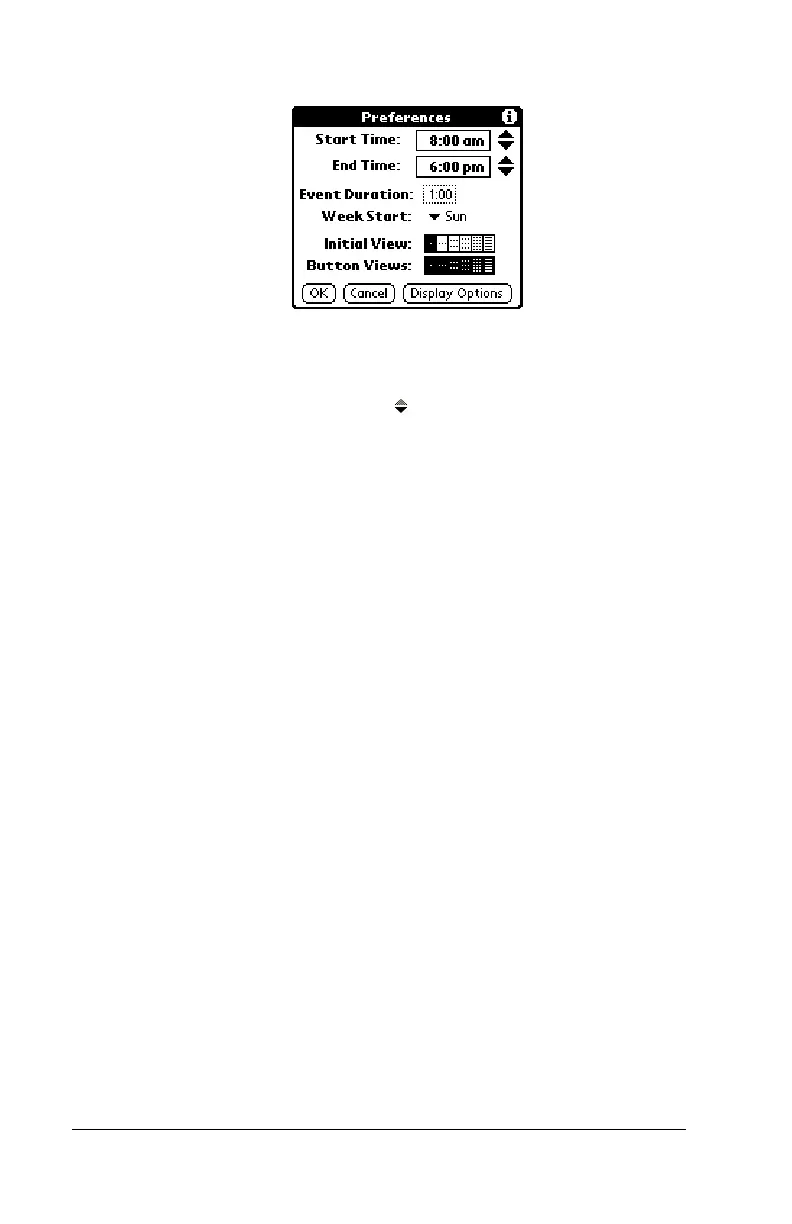
■ Start/End Time.
Defines the start and end times
for Date Book Plus screens. If the time slots you
select do not fit on one screen, you can tap the
scroll arrows to scroll up and down.
■ Event Duration.
Defines the default duration for
new events.
■ Week Start.
Defines the first day of the week.
This setting overrides the System Preferences
setting for all Date Book Plus views.
■ Initial View.
Defines the view that appears when
you start Date Book Plus.
■ Button Views.
Defines which views display
when you press the Date Book button
repeatedly. By default, all views appear.
■ Display Options.
Opens the Display Options
dialog box where you can define the following
options:



 To Next Page