Page 122 Application Specific Tasks
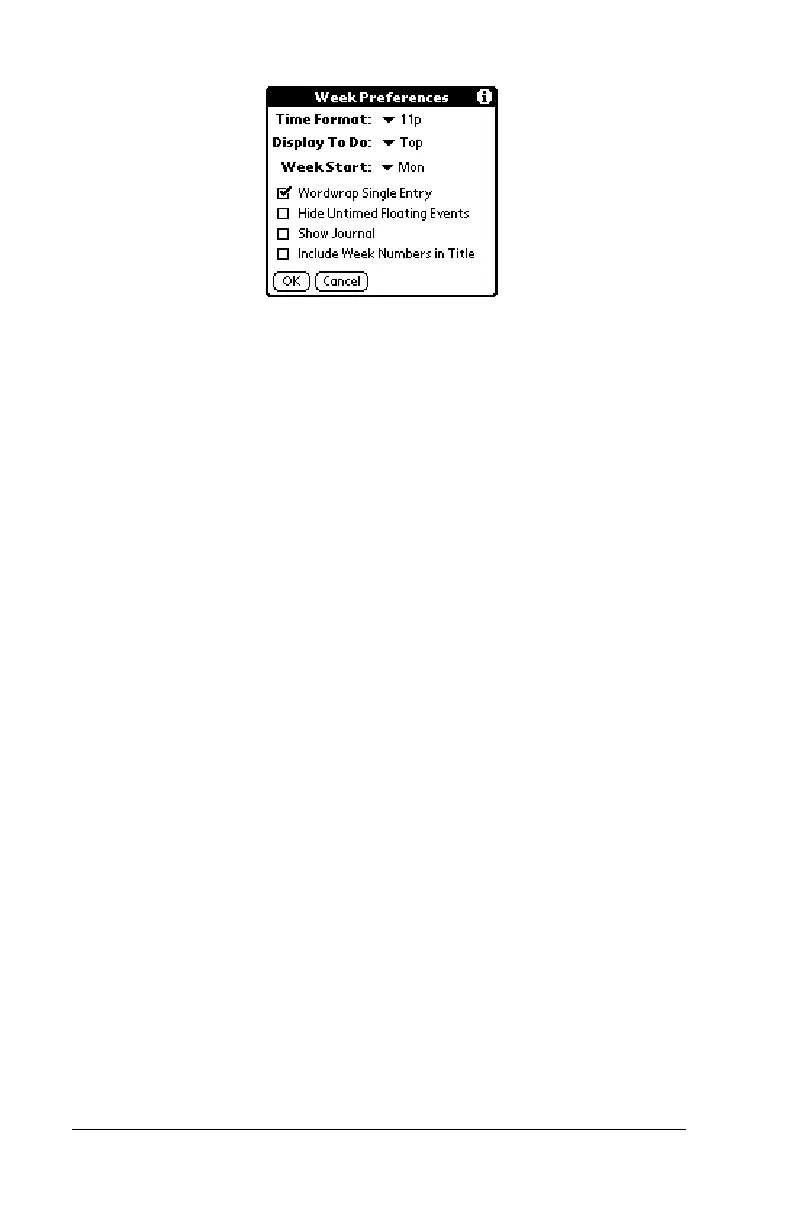
Week
Preferences
■ Time Format.
Defines the format of the time
display. The choices are No Time, 11p, 11:30p,
23, 23:30.
■ Display To Do.
Defines where To Do items will
appear on the Date Book Plus screen. The
choices are Top, Bottom, and Hide.
■ Week Start.
Defines the first day of the week for
Week View with Text.
■ Wordwrap Single Entry.
Wraps text in cells that
contain a single event to display as much text
as will fit in the cell.
■ Hide Untimed Floating Events.
Removes untimed
floating events from the Week View with Text
display.
■ Show Journal.
Displays a Daily Journal entry.
■ Include Week Numbers in Title.
Displays the
selected week number in the title bar.



 To Next Page