Page 124 Application Specific Tasks
List View
Preferences
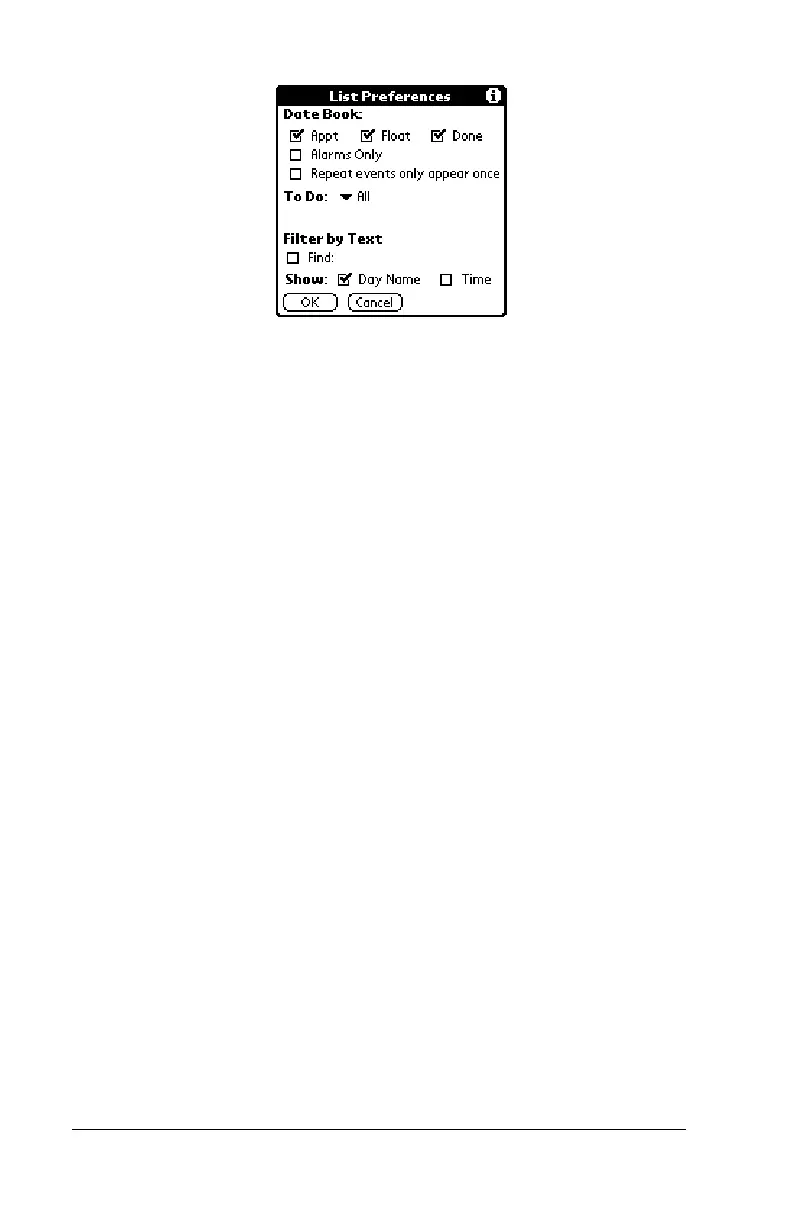
■ Date Book.
Determines which type of events
appear in the List View display. The choices
are: Appt, Float, Done, Alarms Only, and
Repeat events only appear once.
■ To Do.
Determines which type of To Do items
appear in the List View display. The choices
are All, Not Complete, Complete, and None. If
you choose either Not Complete or Complete,
you also have the following choices: Dated &
Undated, Dated only, and Undated only.
■ Filter by Text.
Displays events that contain the
text you enter in this field and hides events that
do not contain this text.
■ Show.
Determines the type of information that
will appear for each event. The choices are Day
Name and Time.
About Date
Book+
Shows version information for Date Book Plus.



 To Next Page