Page 200 Advanced HotSync® Operations
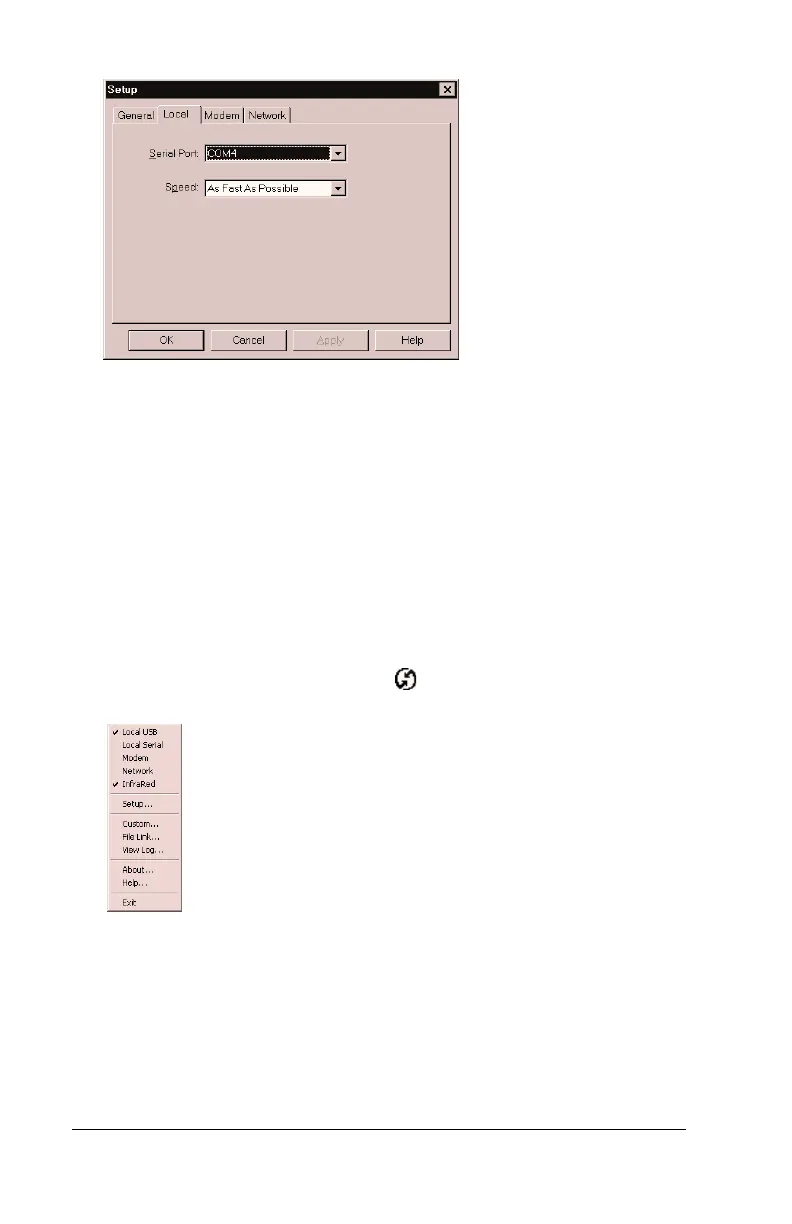
6. Click OK.
The HotSync Manager is now communicating with the simulated port
defined for infrared communication.
Note:
You cannot use your cradle again until you reconfigure the
HotSync Manager to communicate with the port defined for
cradle synchronization.
To configure HotSync Manager for infrared communication
with Windows 2000:
1. If necessary, start HotSync Manager.
2. Click the HotSync Manager icon in the Windows system tray.
3. Choose InfraRed from the HotSync Manager menu.



 To Next Page