Chapter 9 Page 215
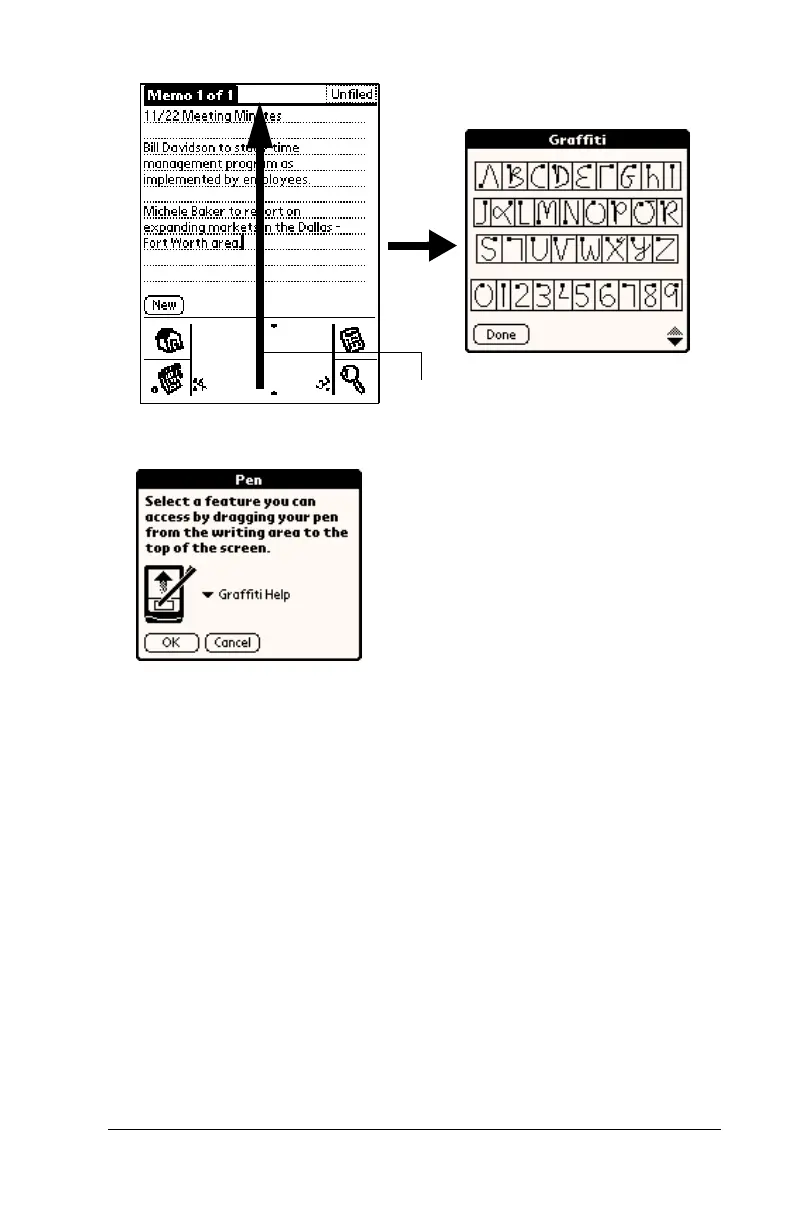
To change the Pen preferences:
1. Tap Pen.
2. Tap the pick list and select one of the following settings for the full-
screen pen stroke:
3. Tap OK.
Backlight
Turns on the backlight on your handheld.
Keyboard
Opens the onscreen keyboard for entering text
characters.
Graffiti Help
Opens a series of screens that show the
complete Graffiti character set.
Turn Off & Lock
Turns off and locks the handheld. You must
assign a password to lock the handheld. When
locked, you need to enter the password to use
your handheld.
Beam Data
Beams the current record to another Palm OS
®
handheld.
Drag to top of screen



 To Next Page