Chapter 5 Page 75
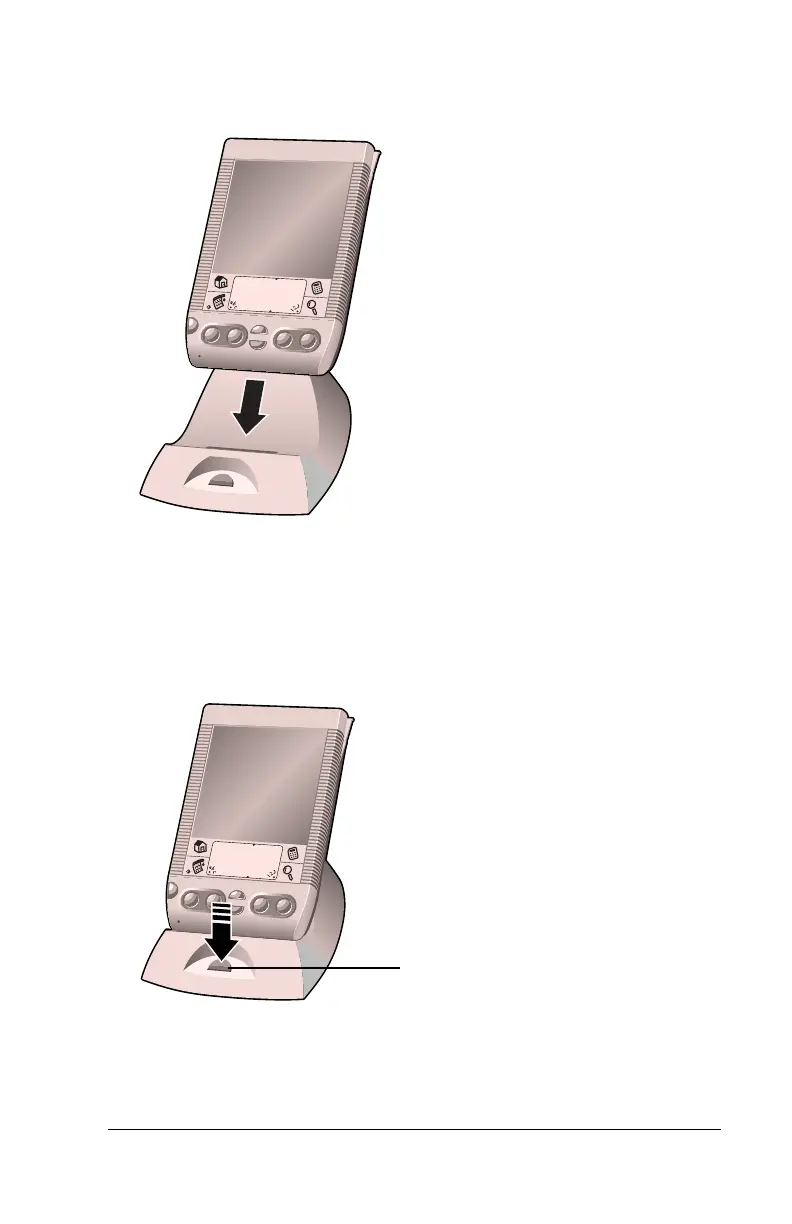
To perform a local HotSync operation:
1. Insert your handheld into the cradle.
2. If the HotSync Manager is not running, start it: On the Windows
desktop, click Start, and then choose Programs. Navigate to the
Handspring program group and choose HotSync Manager.
Alternatively, you can start the Palm Desktop software which
automatically opens the HotSync Manager.
3. Press the HotSync button on the cradle.
The bottom edge of
the handheld should
align smoothly with
the cradle when it is
inserted properly.
HotSync
button



 To Next Page