Page 78 Common Tasks
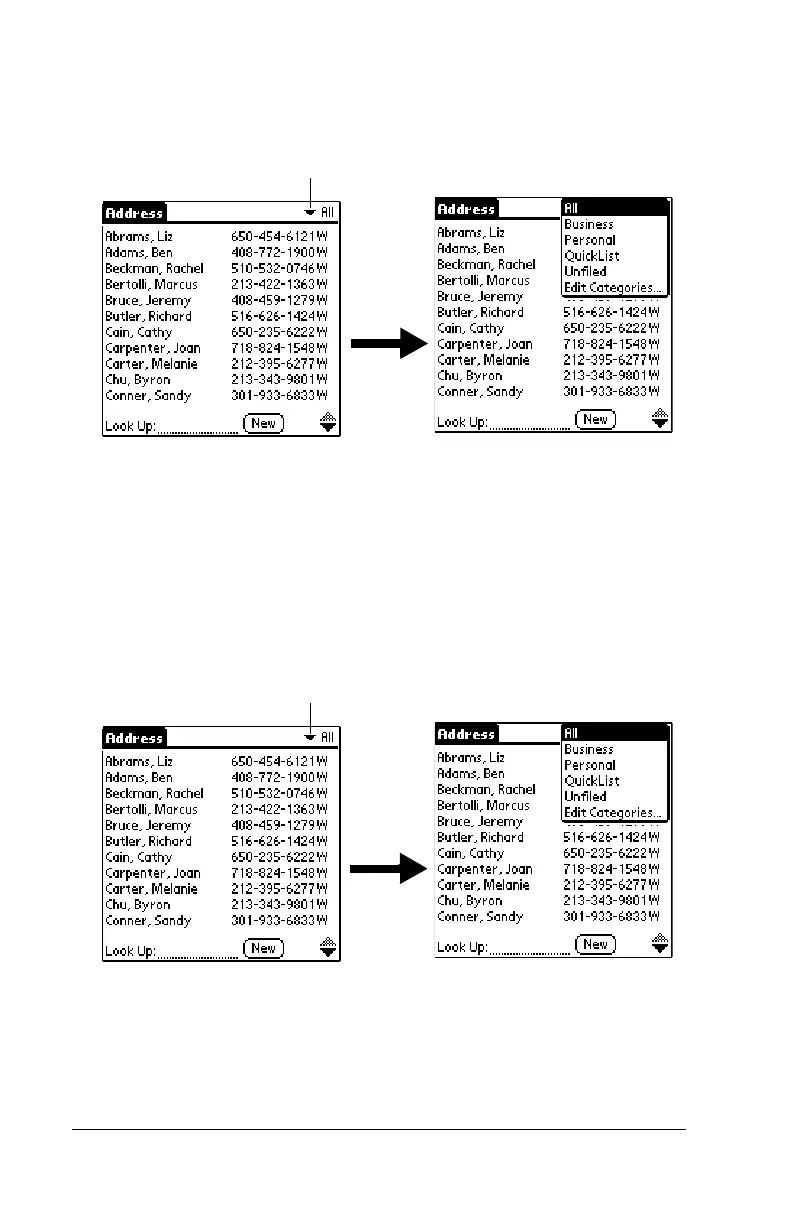
To display a category of records:
1. Tap the category pick list in the upper-right corner of the list
screen.
2. Select the category you want to view.
The list screen now displays only the records assigned to that
category.
Tip:
Pressing an application button on the front panel of the
handheld toggles through all the categories of that application.
To define a new category:
1. Tap the category pick list in the upper-right corner of the screen.
2. Tap Edit Categories.
3. Tap New.
Tap here
Tap here



 To Next Page