Page 86 Common Tasks
Looking up names to add to expense records
In Expense, Lookup displays the names in your Address list that have
data in the Company field. You can add these names to a list of
attendees associated with an Expense record.
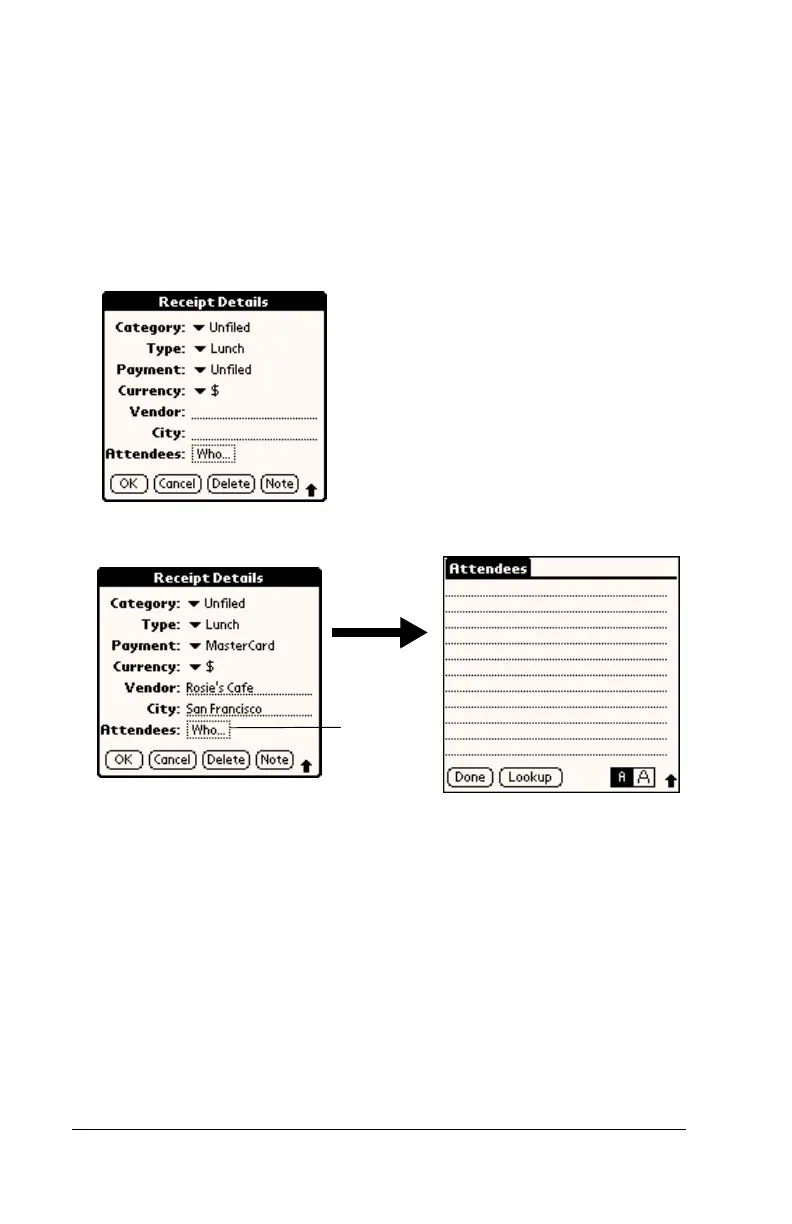
To add names to an Expense record:
1. Tap the Expense record to which you want to add names.
2. Tap Details.
3. Tap Who.
4. Tap Lookup.
The Attendees Lookup screen displays all the names in your
Address list that have data in the Company field.
5. Select the name you want to add, and then tap Add.
The name appears in the Attendees screen.
6. Repeat steps 4 and 5 to add more names.
7. Tap Done, and then tap OK.
Tap here



 To Next Page