26 ODROID C2 USER MANUAL
Each of the entries in the list is also a link. Click the download
link for most recent version of the software from the server closest to
your location. Note that a compressed image le will be downloaded,
so you will need to uncompress this le before ashing it to the boot
media. To do so, you will need a specialized utility to uncompress
the downloaded le. A reliable utility to uncompress such les is the
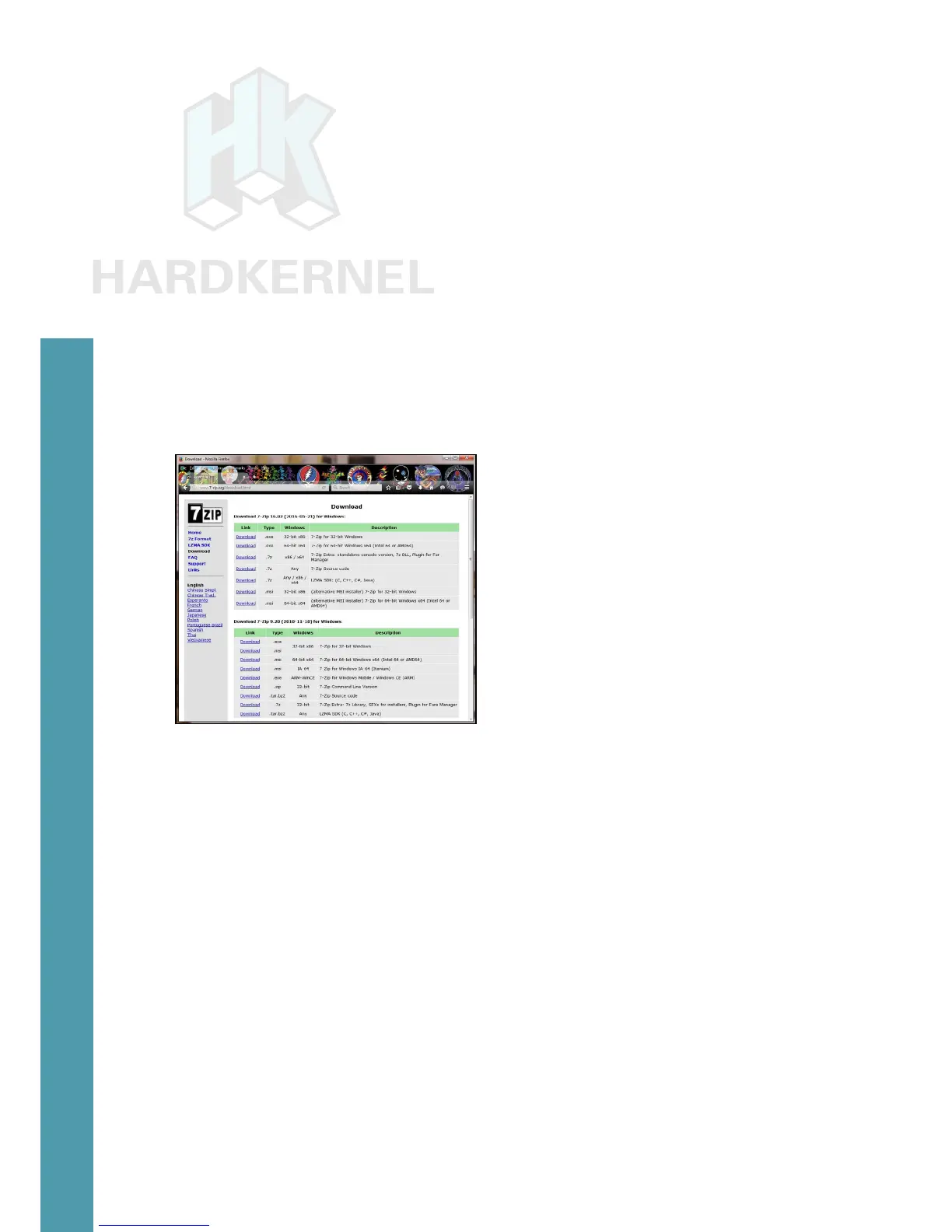
7-zip program. Launch a web-browser such as refox and navigate to
http://www.7-zip.org/download.html
, which will list all of the avail-
able installation les for this utility. Click on a link that corresponds
to your host computer’s OS. Details of your OS can be found via the
msinfo32.exe or systeminfo.exe commands, when run in cmd window.
The Windows OS used for this guide is a 64-bit type. Click the
download link that corresponds to the 64-bit Windows OS, in this case,
7z1602-x64.msi.
List of 7-zip installation les
After the le is downloaded, run it and select the default op-
tions, and wait for 7-zip to nish installing. Next, launch the Windows
Explorer application and browse the download directory. Select the
downloaded compressed image le and right-click the le with the
mouse. Select the 7-zip menu option and under that select the Extract
Here option. After the uncompress process, it will result in the image
le that can be ashed. In this example, it will be ubuntu64-16.04lts-
mate-odroid-c2-20160525.img.
Another essential utility is one that will be used to ash the uncom-
pressed image le, such as the Win32DiskImager utility. Hardkernel
has an updated version of it that adds a useful step to the ash process,
which clears the boot media, prior to writing the image. This version of
Win32DiskImager.exe can be downloaded from the following URL:
http://dn.odroid.com/DiskImager_ODROID/Win32DiskImager-odroid-v1.3.zip
Chapter 2



 To Next Page