55 ODROID C2 USER MANUAL
ules. These messages can help with debugging issues that you may
encounter. Most of these messages will also be listed through the
dmesg command.
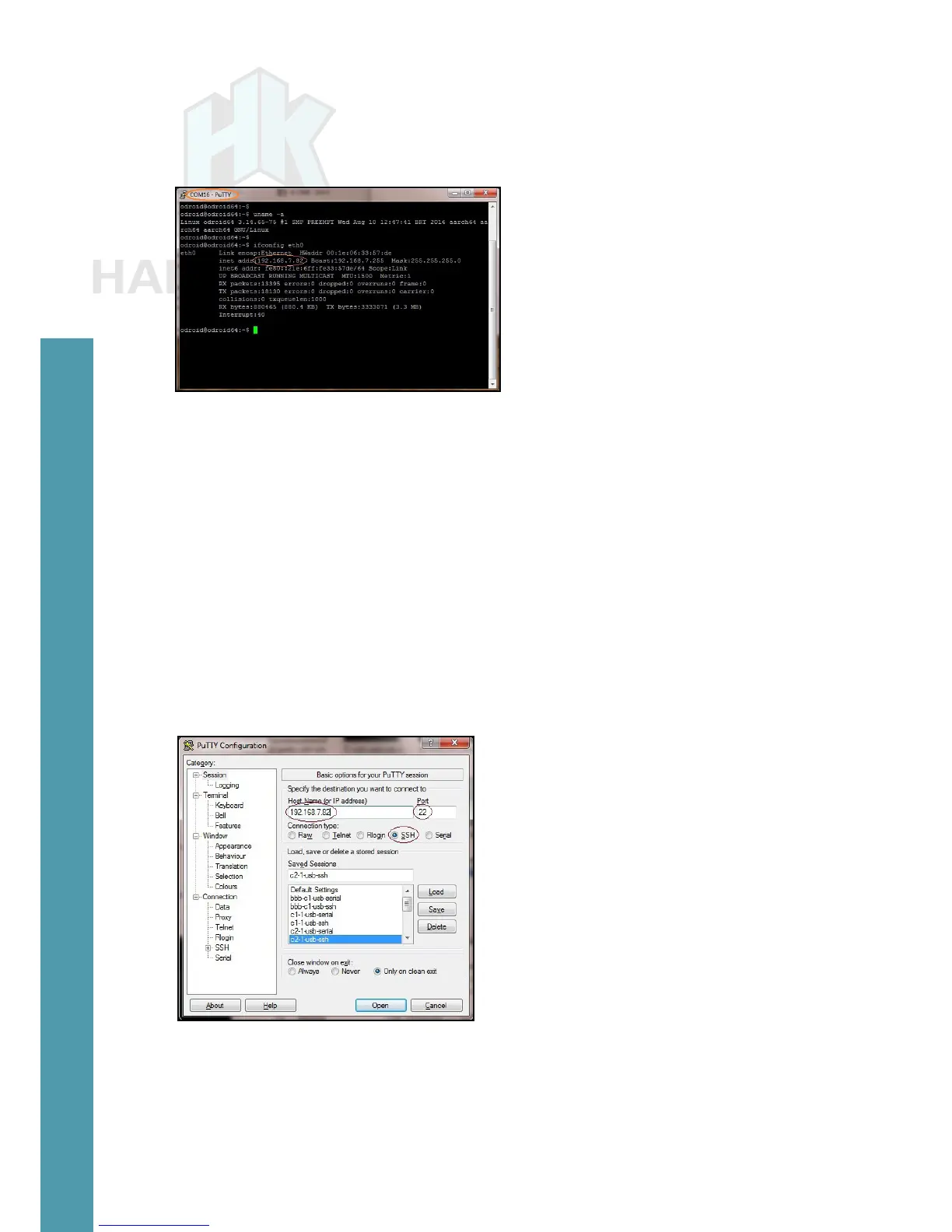
PuTTY serial console
Close the serial console, then set up the SSH connection option
by relaunching the PuTTY application and selecting the Session op-
tion on the left pane. For this SSH option to work, the host PC system
and the C2 need to be visible to each other on the same local area
network (LAN). Refer to the screenshot below for an example PuTTY
conguration.
Host name: 192.168.7.82
Port: 22
Connection type: SSH
Saved SSH conguration in PuTTY
Enter the ODROID-C2’s IP address or hostname (if it can be re-
solved from the host PC system) and a numerical value of 22 for the
Port number. Select the Connection Type to be SSH. Enter c2-1-usb-
ssh for the conguration name and save it. This saved conguration
Chapter 4



 To Next Page