HI 6600 Series Modular Sensor System User Guide
Page | 25
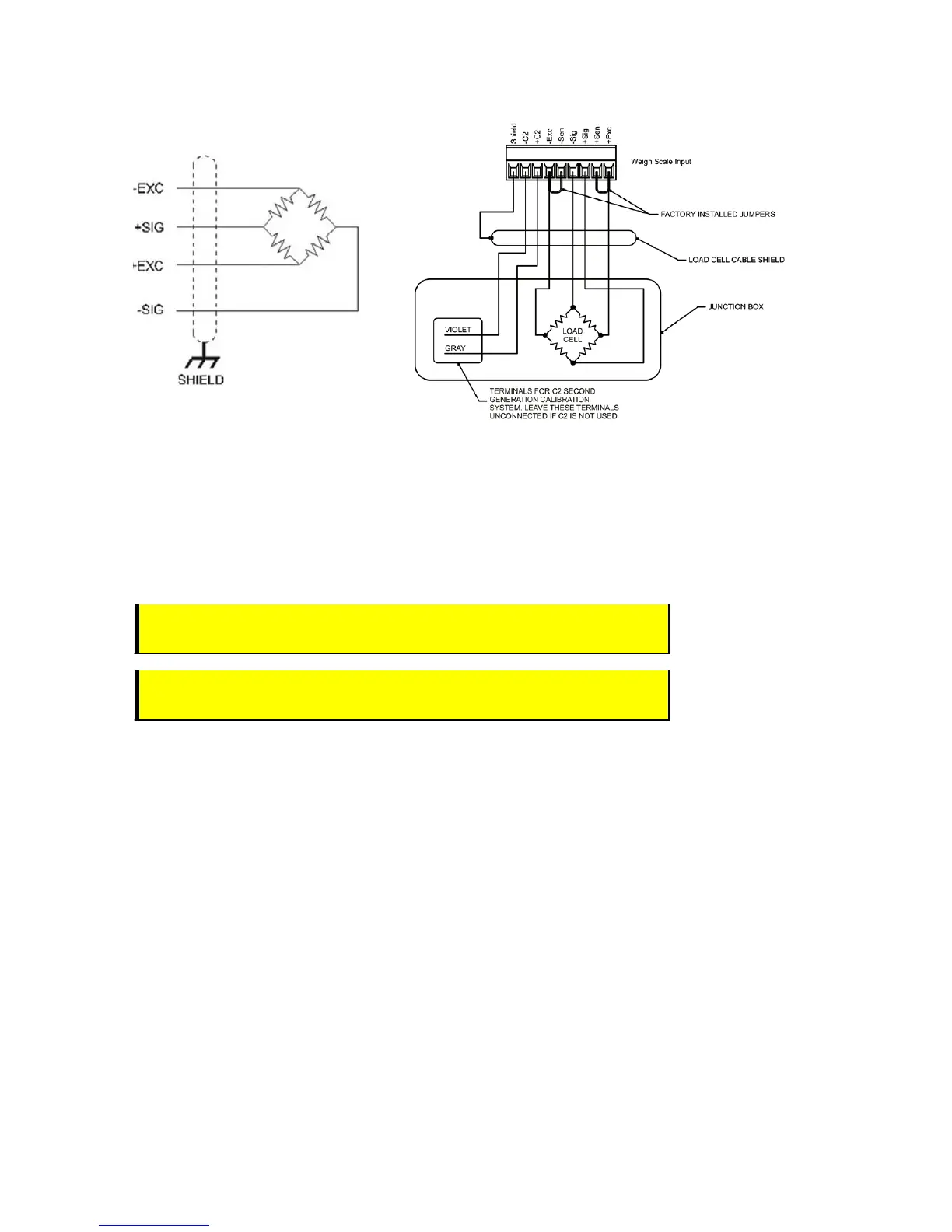
Non-C2 load cell wiring Hardy load sensor with C2
Note: when connecting the HI 6600 series instrument to a
junction box, the sense lines would
be connected between the +Sen and –Sen
connections for the junction box and the instrument.
See the I/I Diagram for further detail. You can find the I/I Diagram in the Hardy website
under Products>Weight Processors>HI 6600 Modular Sensor System and then select the
Docs & Programs tab to download the I/I Diagram.
Installing the Optional Display
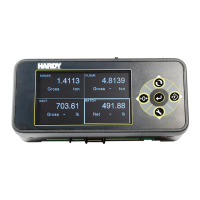
The following section provides details on how to mount the Optional Front Panel Display and connect to the
HI 6600 HGM.
Blind Unit (No display)
The front display is not necessary for the HI 6600 series instrument to operate as a weight processor. Blind
units can be fully configured using the Web browser communication.
Optional Remote Display Mount
The HI 6600 Modular Sensor System is compatible with HI 6110 displays.
AVERTISSEMENT – Tension de l'appareil doivent être acheminés à l'écart de
tous les autres câbles de signaux pour éviter toute interférence électrique.
WARNING - Instrument power should be routed away from all other signal
cables to avoid electrical interference.


 To Next Page