HI 6600 Series Modular Sensor System User Guide
Page | 36
Saving and Restoring Configuration Data Using the USB port
The HI 6600 Gateway Module provides a USB port to save parameters to a memory stick. Parameters can be saved,
restored, copied and modified from one instrument or channel to another instrument or channel using this feature.
Details of use can be found in the USB Memory Stick section of the Network Communications section of this
manual.
Suggested Minimum Steps When Setting Up the Instrument For the First Time
Choose a specific Weight Processor Module to set up by selecting a channel either from the front panel display
or on the webserver.
AVERTISSEMENT – Un seul canal peut être remplacé par un. Si plus d'un canal doit être
remplacé , répéter la séquence ci-dessus. La fonction échouera si plus d'un canal est supprimé à la
fois ou plus d'un canal est découvert
WARNING - Only one channel can be replaced at a time. If more than one channel needs to be
replaced, repeat the above sequence. The function will fail if more than one channel is removed at
a time or more than one channel is discovered.
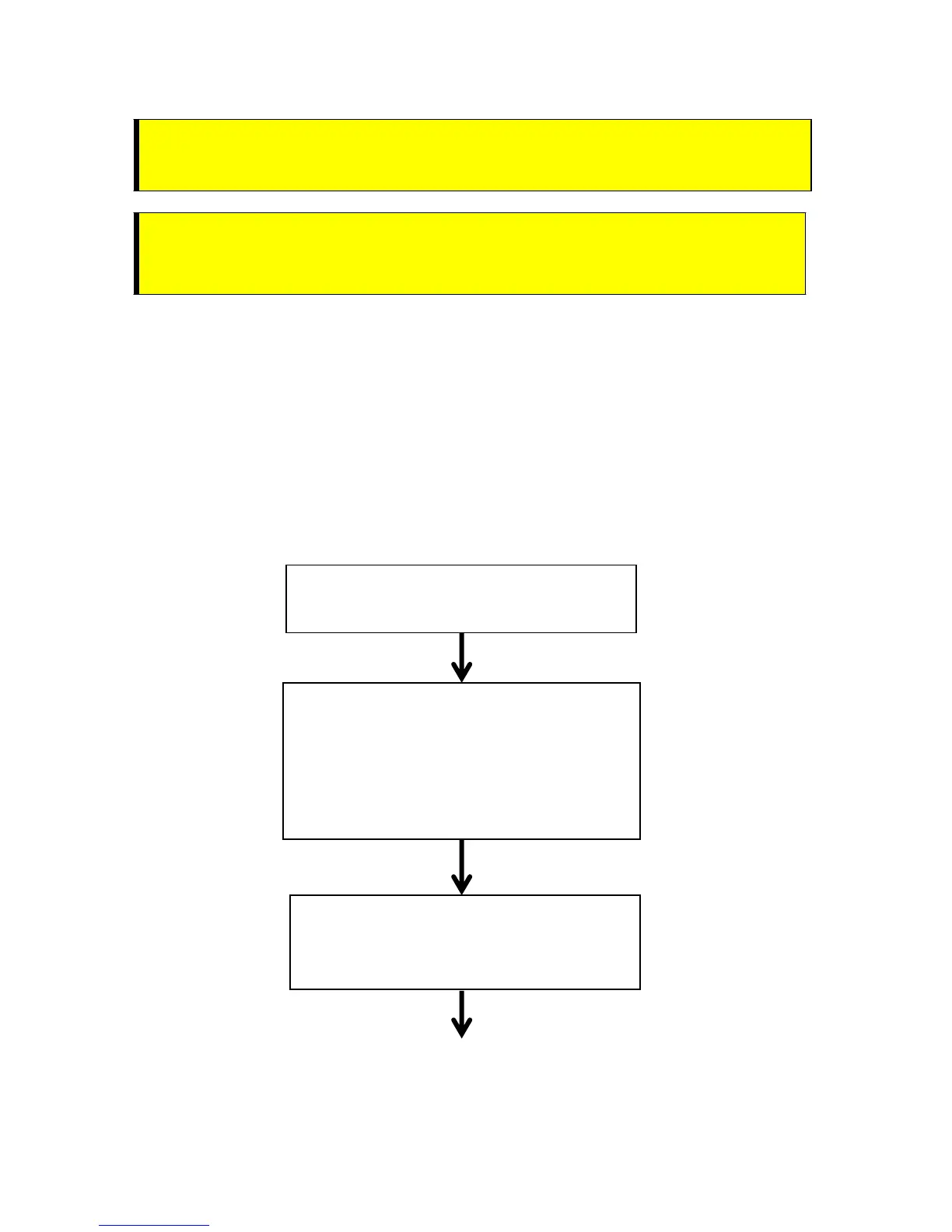
Channel
1) Choose channel to set-up
SET UP (minimum)
1) Select Unit of Measure
2) Input Total Scale Capacity
3) Select Graduation Size
4) Select Decimal Point Position
5) Input Motion Tolerance
Filter
1) Num Averages
2) Waversaver


 To Next Page