HI 6600 Series Modular Sensor System User Guide
Page | 58
Refer to the I/O tables in Appendix A for an understanding of the data and format for the EtherNet/IP communications.
If you are connecting to an Allen-Bradley® Control Logix PLC®, the following is the setup parameters needed in the I/O
configuration of the PLC to communicate with the HI 6600.
•
COMM FORMAT: DATA – DINT
•
INPUT INSTANCE 100, LENGTH 124
•
OUTPUT INSTANCE 112 - LENGTH 124
•
CONFIGURATION INSTANCE 150 - LENGTH 0
Alternatively, use the HI 6600 EDS_AOP available on the Hardy website to simplify the connection process.
If there is a problem with the connection between the PLC and the HI 6600, recheck the IP addresses used and the setup
parameters in the PLC I/O configuration.
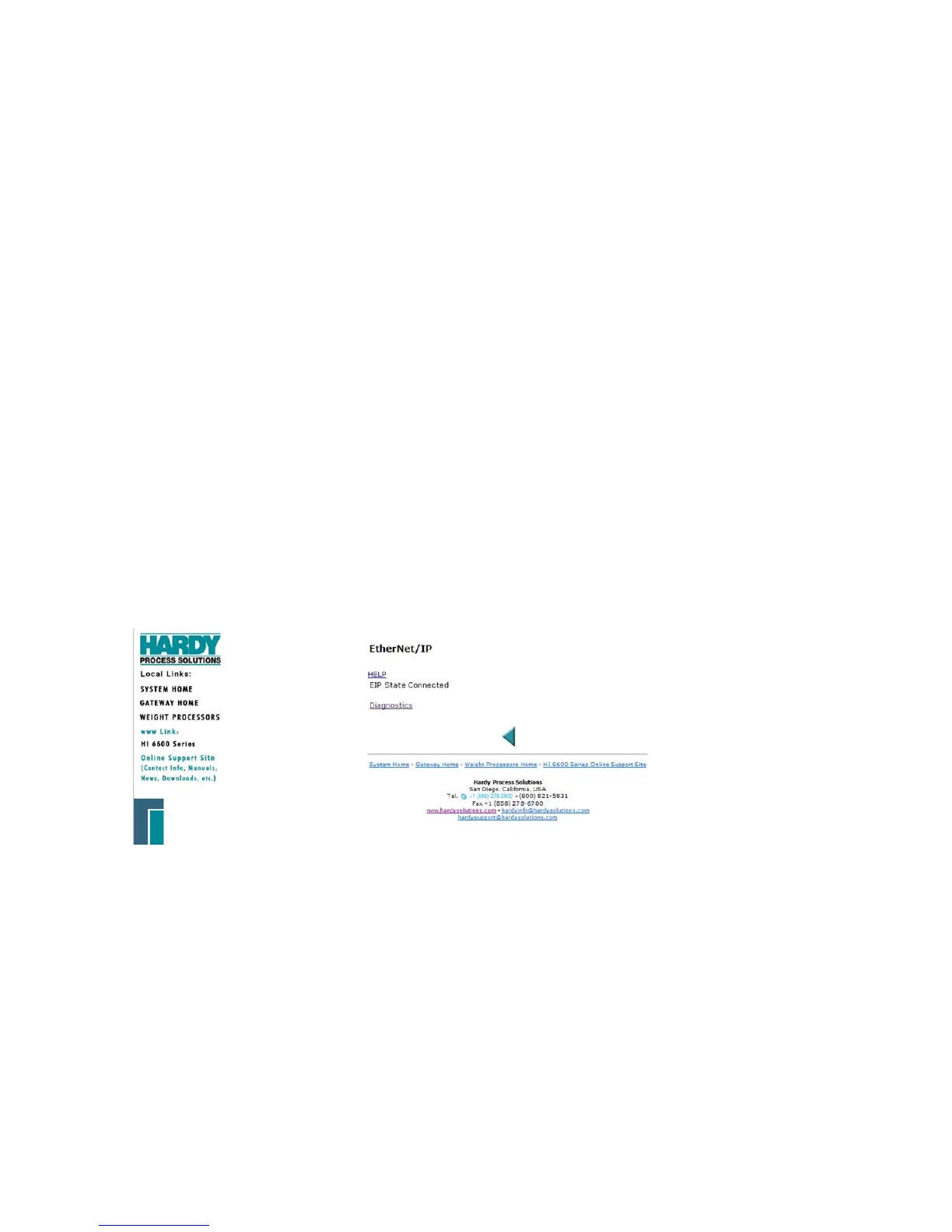
The read-only Connected entry confirms that the HI 6600 HGM is connected to the network. If the Gateway Module is
not connected to the network, a message appears saying “Not Connected.” Check the EtherNet/IP connection at the rear
of the instrument to make sure it is securely fastened to the EtherNet/IP port.
EtherNet/IP Commands and Parameters
The HI 6600 instrument with the -EIP option will automatically detect and connect to any available EtherNet IP
connection. The system will show either connected or not connected to display the availability of an EtherNet/IP
connection.
Refer to the I/O tables in Appendix A for an understanding of the data and format for the EtherNet/IP communications.
The EtherNet/IP Diagnostics Screen
The EIP diagnostic screen may help with troubleshooting connection problems with the HI 6600 series units.


 To Next Page